
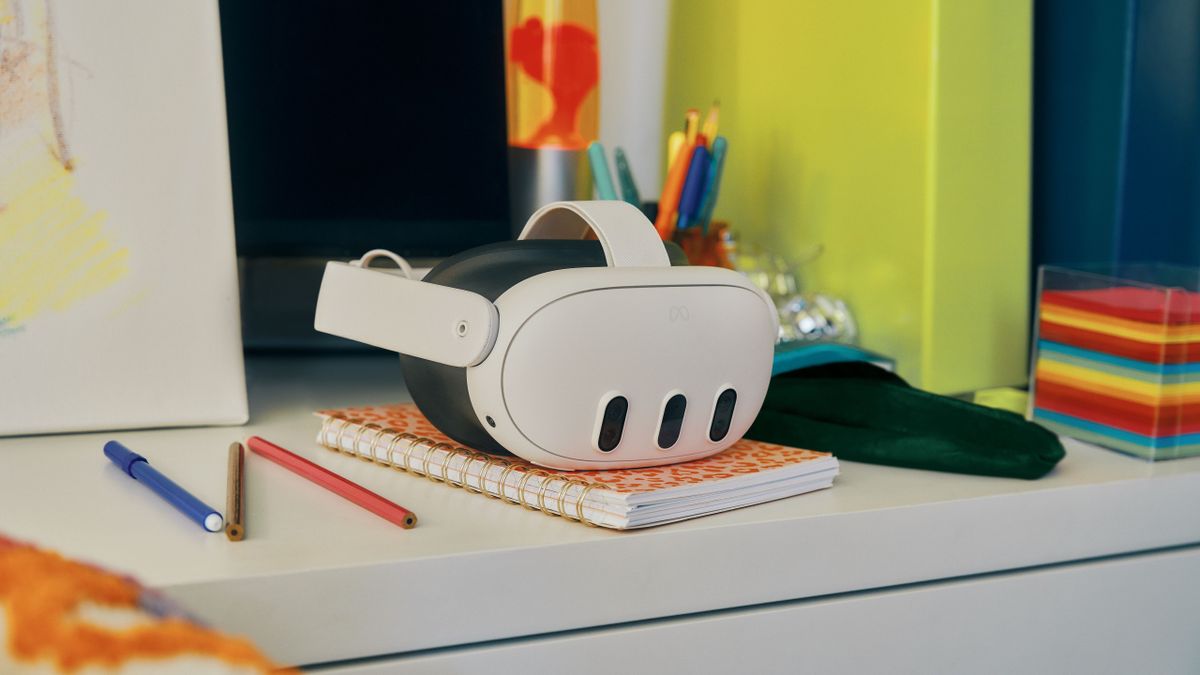
After Thursday’s surprise Xbox Cloud Gaming launch on the Meta Quest 3, I’ve spent most (read: too much) of my evenings trying the service out. And while it doesn’t hold a candle to my more traditional 4K TV and console setup from a technical perspective, its portability more than makes up for that.
For the uninitiated, Xbox Cloud Gaming is basically Netflix for video games. For a monthly fee of $16.99 / £12.99 / AU$18.95, you can stream titles from a massive catalog of content to your phone, PC, Xbox console, and now Meta Quest 3, Quest 2, and Quest Pro. The advantage, of course, is you don’t need super powerful hardware to play the latest games – they’re run on high-end machines many hundreds (maybe thousands) of miles away and just use your device as a screen and a relay for your controller inputs.
When playing in the real world, you’re limited to the size of your TV, phone screen, or computer monitor. In VR, you can enjoy playing these games on a gigantic virtual display – with the size becoming especially apparent when using the Quest 3’s mixed-reality mode. The Large and Extra-large screen options were bigger than any TV I’ve seen before – even the ridiculous displays shown off at tech trade shows – and it made me feel like I was gaming in my own private movie theater.
The trade-off is the graphics quality leaves something to be desired. Xbox Cloud Gaming can apparently stream 1080p (full-HD) at 60fps gameplay – but I’m certain the quality I experienced wasn’t this high. That’s most likely due to a combination of the Quest 3’s display specs, my internet connection throttling the app’s abilities, and the gigantic virtual screen not giving visual blemishes anywhere to hide; instead blowing them up to make them more noticeable than ever.
Head in the cloud
Yet, when I lay in bed wearing my Quest 3 with the virtual display floating on the ceiling above me using mixed reality, I was still utterly lost in Starfield until the early hours of the morning. I only stopped when my headset alerted me that its charge was low and I realized it was well past 2 am.
This portability – to be able to play anywhere with a strong enough internet connection – is why cloud gaming in VR succeeds. You can play in bed, during your commute, at a coffee shop while waiting for your friends, or pretty much anywhere you can think of. Yes, you can stream Xbox titles to your phone, too, but the display is small, and the experience just isn’t as immersive as the virtual screen that wraps around you.
To this end, the VR headset is starting to borrow elements of the many AR glasses I’ve tested over the past year – the likes of the Xreal Air 2 or Rokid Max – and I’m pretty darn excited about it. These AR specs connect to a compatible phone, laptop, or games console using a USB-C adapter and virtually project the screen in front of you.

The clear advantage of the Quest hardware is it’s more than just a wearable projector – it’s a whole spatial computer in its own right that can do incredible things without any external hardware. What’s more, while the Quest 3 is pricier on paper – by about $100 / £100 / AU$150 depending on the glasses – once you factor in the need to buy a few not-so-optional add-ons to get the most out of AR specs, the cost difference is negligible (the Quest 3 might even end up being cheaper). Not to mention that you get far more bang for your buck from a VR headset.
While going fully wireless has advantages, having tried Xbox Cloud Gaming I’m now even more desperate for Meta’s VR hardware to start supporting wired connections to a greater range of devices. I’d love to use a Steam Deck, Nintendo Switch, PS5, and other gadgets in a similarly immersive way without needing to splash out on AR specs. Hopefully, such features will be added to the Quest platform in the not-too-distant future.
Some work is needed
Before Meta works on adding these capabilities, though, I’d like it and Microsoft to make a few updates to the Xbox Cloud Gaming app. Considering this app was announced over a year ago at Meta Connect 2022, I’m surprised it’s so basic and lacking a few features that feel like no-brainers.
The first is an easy way to position the screen. From what I can tell, the only virtual display controls within the app are the size options. If you want to move the screen to a different position – which is essential for playing lying down – you need to first press the Oculus button to open up your quick menu bar. Then, when you grab the bar to move it, the Xbox screen will move with it.
This workaround is effective but not intuitive; I stumbled into it completely by accident.
The second is an emulator so the Quest handsets can double as an Xbox controller. Admittedly, this may be tough, as the controllers are almost identical, but the Quest controllers lack the D-Pad and third menu button. Even if this emulated controller is only compatible with a small selection of titles, it would offer users a great way to test out Cloud Gaming before they invest in a wireless Xbox controller (they aren’t massively expensive, but they aren’t cheap either – they’re pricier than most VR games).
Lastly, it would be helpful if there was an in-app way to see how stable your connection is, see what resolution and framerate you’re getting, and choose if you want to optimize for graphics or performance.
All that said, despite its deficiencies, the Xbox Cloud Gaming app is a must-try – especially for those with an Xbox Game Pass Ultimate subscription and compatible controller already. While I’ll still spend a lot of time gaming on my TV, I can honestly see this VR app becoming one of my most used in 2024. It might even convince me to start taking my Quest 3 with me everywhere so I can game on the go.