
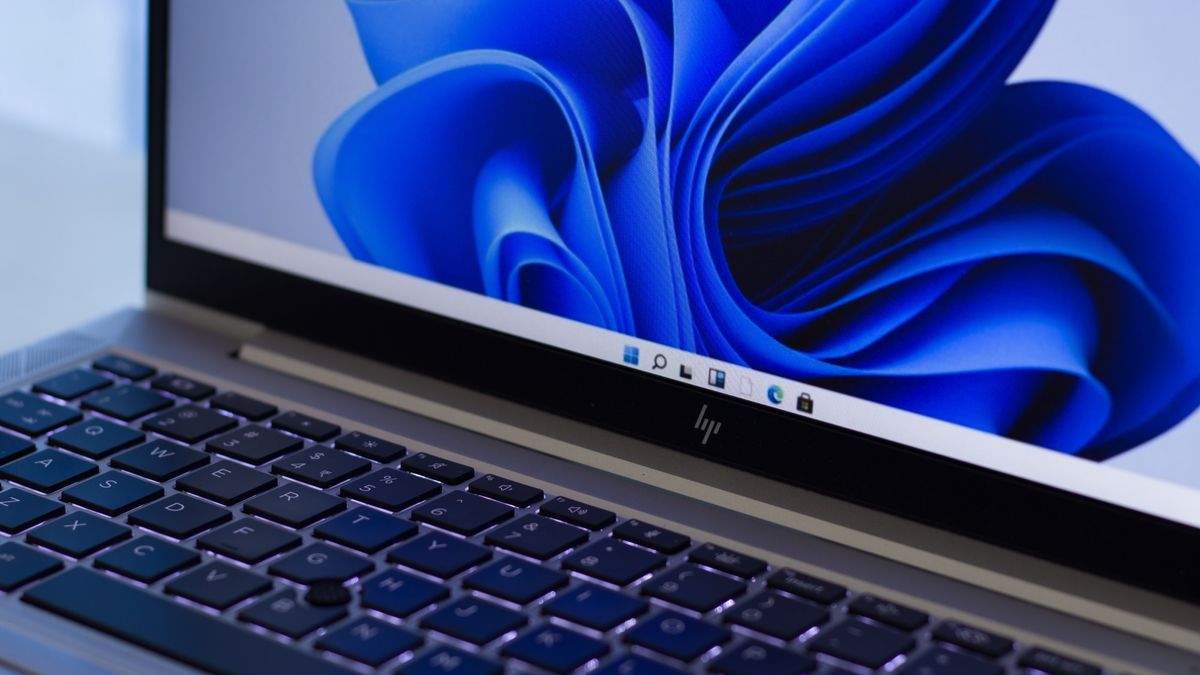
- Microsoft appears to be working on a big redesign for the Start menu
- This work is hidden in the background of Windows 11 test builds, though, so it isn’t officially happening yet
- It rolls the Start menu elements into a single, scrollable panel, and also gives users the choice to ditch recommendations
Microsoft looks to be applying a major change to the Start menu in Windows 11, revamping the layout so that it’s all on a single panel – and allowing recommendations to be turned off if the user wishes.
These are positive steps forward for this central part of the Windows 11 interface, although they aren’t happening just yet.
In fact, this work is still hidden in the background of the most recent Dev and Beta preview builds of Windows 11. So, it’s present, but not yet officially live, and it has to be enabled by fudging things with a Windows configuration utility.
That’s exactly what PhantomOfEarth, a regular provider of Windows info on X, did to uncover the new Start menu layout, which now puts everything on one panel that you scroll down.
This means you now have the pinned apps at the top, then recommendations, and the full list of installed apps below that – rather than the latter being separated off, as is the case now in Windows 11, with the app list being in a different panel you switch to by clicking a button.
Hidden in today’s Dev/Beta CUs: a major update to the Windows 11 Start menu! It has a new, larger layout with everything on one scrollable page, with the “All” list below recommendations – which can FINALLY be turned off! Pinned list is now limited to 2 rows, but can be expanded. pic.twitter.com/JkP3V2I5g6April 3, 2025
As Windows Central reports, the rejigged Start menu panel is now also wider, meaning there’s more space to pin your favorite apps for easy access.
Crucially, there’s another move, something I’ve been wanting for a long time, and that’s being able to switch off Microsoft’s recommendations for files or apps you might want to use (based on the history of your PC usage), as mentioned at the outset.
Analysis: An apparent reversal of course by Microsoft
It’s good to see Microsoft is mulling a big, positive change for the Start menu, but we must remember that this isn’t yet in testing, so we can’t count on this redesign actually being realized. That said, it looks like this work is well underway in the background of Windows 11 preview builds, which is a positive sign.
The worry for me is that at the end of last year, Microsoft categorically said it wasn’t going to remove the recommendations panel, and would instead continue “to work on improving its quality” going forward. Well, that stance appears to have changed, but this previous statement does give me a little pause for thought.
I can only hope that the options to turn off recommendations makes the cut for the release version of Windows 11. Okay, so some folks might appreciate having recommendations flagged to them, and that’s fine – Microsoft has even been exploring some useful tweaks to them in recent times.
However, there are certainly people who could live without recommendations eating up space in their Start menu – myself included – and there should always have been an option to turn them off, really. Give people the choice to either have them, or not, plain and simple.
Also visible in testing here are the new grid and category views which are different choices for how you peruse the list of all the apps on your PC. These aren’t new, and have been in testing (officially) for a while, but I thought I’d highlight them in case you missed this. They’re also a positive stride forward for the Start menu, and the new views are a good alternative to having one long alphabetical list of apps, particularly the category view which groups related applications to make navigation easier. Again, you don’t have to do this, and you can stick with the default long list if you prefer, but as ever, more choice is always good.
Is there a chance we’ll see this new Start menu as part of Microsoft’s big 50th anniversary celebrations (a bash that kicks off later today)? Well, no, because this redesign isn’t even in testing yet, but it may be possible that Microsoft could mention the idea in passing or tease it somehow.
At least that would confirm that the revamp is definitely inbound, and quell any lingering doubts that I have based on some of the company’s past statements. I’ll be keeping my fingers firmly crossed that this is a move that’s incoming, and that it’ll be fully realized as it currently appears in testing (meaning that Microsoft doesn’t whip out the choice to turn off recommendations).