
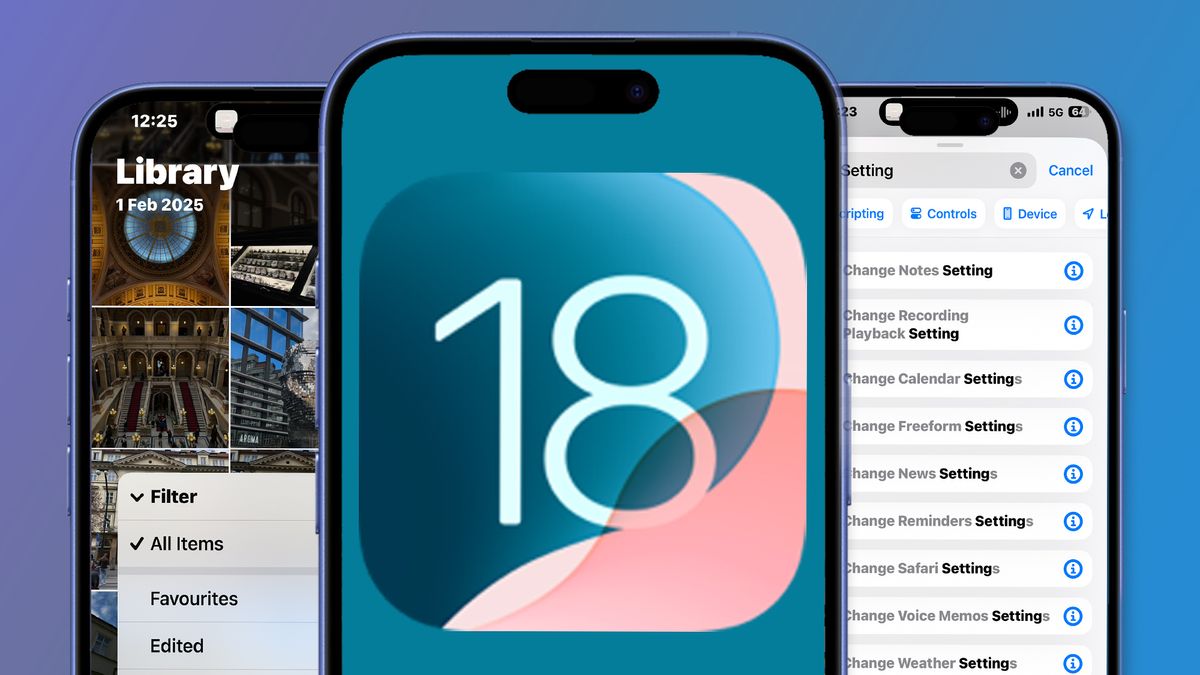
Apple fans are still discovering the new upgrades found in the latest iOS 18.4 software update since it came out last week – and now we’ve had more time to experiment with it, we think it’s safe to say that Apple’s mid-year update is bigger than you might think.
We’ve already drawn your attention to the more obvious iOS 18.4 changes such as the new Apple Intelligence Priority Notifications feature, and are patiently waiting for bigger upgrades like the delayed next-gen Siri. But iOS 18.4 is still a glimmer of hope that hints at better things to come from Apple Intelligence, and the update contains five other handy little features that’ll help tide us over for now.
While these new tricks haven’t gone unnoticed, they’re still small enough to easily fly under-the-radar. So in case you missed them, here are five other new features in iOS 18.4 that could help change the way you use your iPhone…
1. New Shortcuts actions
The new upgrades to Shortcuts are small but effective, pointing to the possibility that changes to Siri could be next on Apple’s agenda, since Shortcuts could serve as the foundation for Siri’s upcoming upgrades.
When you go to the Shortcuts app, there’s a new action that allows you to change settings for a number of different Apple apps, including Safari, Apple Maps and Apple News, with each one packing another layer of actions you can perform.
2. Lots of new emojis

Everyone uses Apple’s extensive keyboard of emojis and iOS 18.4 introduces eight new emojis to brighten up your texts and social media captions. It’s a very minor upgrade, but new emojis are always exciting.
Out of all of the newest additions to Apple’s emoji gallery, which includes a new fingerprint, harp, and funky splatter emoji, one has already proven itself to be the next most-used emoji – the new smiley with sinking, under-eye bags. Relatable? I think so.
3. Ambient Music
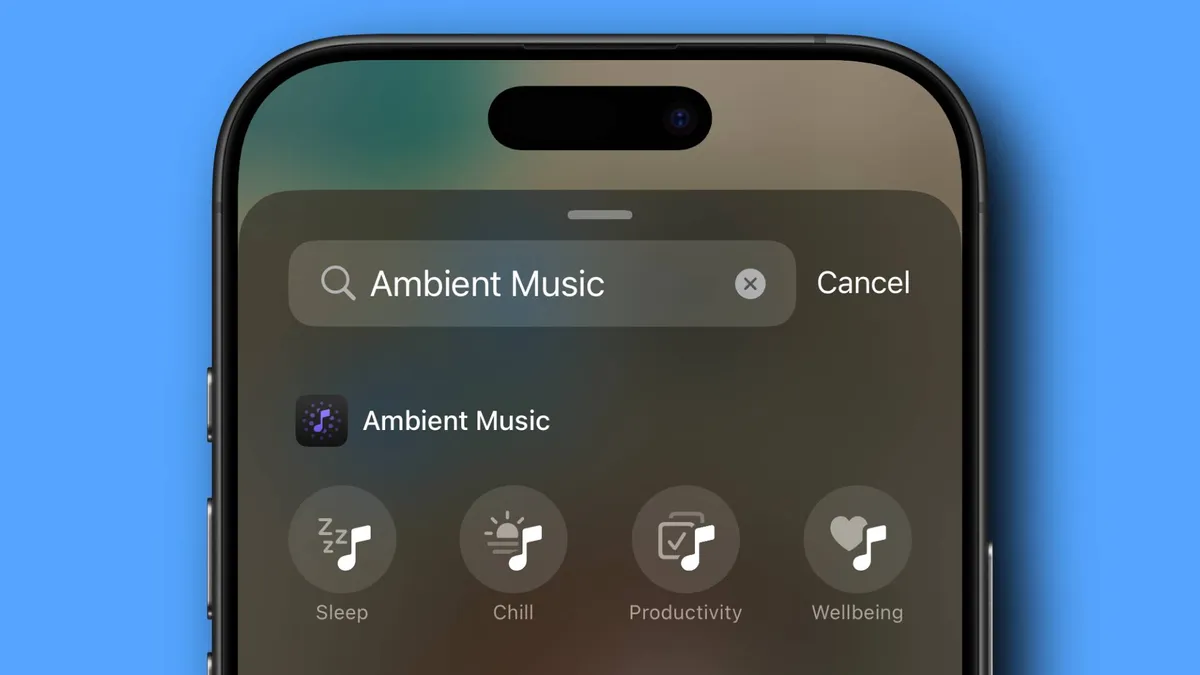
One of the more well-known, but easily missed, additions to iOS 18.4 is the expansion of Apple’s existing Background Sounds function.
The Ambient Sounds feature packs four different playlists – Chill, Sleep, Productivity, and Wellbeing. Perfect if you rely on instrumental music for studying, working, or relaxing.
To use it, just add the Ambient Music icon to your Control Center during customization, then choose your relaxing playlist.
4. Apple Photos improvements

iOS 18.4 is doubling down on organizational tools, bringing a shed load of new improvements to the Photos app.
For starters, you’ll have the freedom to enable and disable your ‘Recently Viewed’ and ‘Recently Shared’ galleries, as well as two new filtering options, ‘Shared With You’ and ‘Not in an Album’, saving you having to scroll for ages trying to find a specific photo.
The new Photos functions also include a new album-sorting category ‘Sort by Date Modified’ and the ability to delete or recover photos all at once. It’s a helpful software improvement for iPhone photographers everywhere.
5. Visual Intelligence for iPhone 15 Pro

The new Apple Intelligence Priority Notifications are one of iOS 18.4’s most handy new features, but you may have missed that Apple has also added a new Action Button that opens Visual Intelligence. Also, while this feature was previously exclusive to the iPhone 16 range, Apple has now brought it to the iPhone 15 Pro and Pro Max model, too.
In a nutshell, it’s an Apple Intelligence feature that’s similar to Google Lens and allows you to take a photo of something in front of you, before finding out more about it. You can get more information using ChatGPT, Google Search or by highlighting any text within the snap.
Although the iPhone 15 Pro doesn’t pack the same Camera Control button like its superior iPhone 16, Visual Intelligence can be accessed through the Control Center or Action Button.