
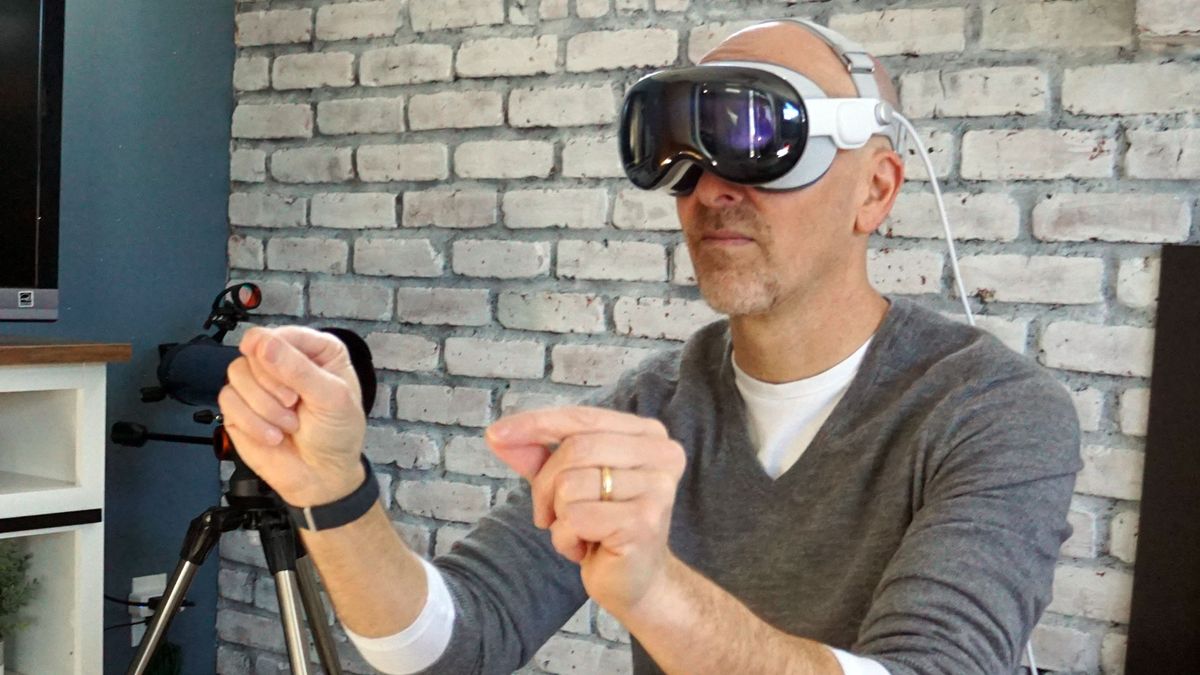
While the initial hype over Apple Vision Pro may have died down, Apple is still busy developing and rolling out fresh updates, including a new one that lets multiple Personas work and play together.
Apple briefly demonstrated this capability when it introduced the Vision Pro and gave me my first test-drive last year but now spatial Personas is live on Vision Pro mixed-reality headsets.
To understand “spatial Personas” you need to start with the Personas part. You capture these somewhat uncanny valley 3D representations of yourself using Vision Pro’s spatial (or 3D) cameras. The headset uses that data to skin a 3D representation of you that can mimic your face, head, upper torso, and hand movements and be used in FaceTime and other video calls (if supported).
Spatial Personas does two key things: it gives you the ability to put two (or more) avatars in one space and lets them interact with either different screens or the same one and does so in a spatially aware space. This is all still happening within the confines of a FaceTime call where Vision Pro users will see a new “spatial Persona” button.
To enable this feature, you’ll need the visionOS 1.1 update and may need to reboot the mixed reality headset. After that you can at any time during a FaceTime Persona call tap on the spatial icon to enable the featue.
Almost together
Spatial Personas support collaborative work and communal viewing experiences by combining the feature with Apple’s SharePlay.
This will let you “sit side-by-side” (Personas don’t have butts, legs or feet, so “sitting” is an assumed experience) to watch the same movie or TV show. In an Environment (you spin the Vision Pro’s digital crown until your real world disappears in favor of a selected environment like Yosemite”) you can also play multi-player games. Most Vision Pro owners might choose “Game Room”, which positions the spatial avatars around a game table. A spatial Persona call can become a real group activity with up with five spatial Personas participating at once.
Vision Pro also supports spatial audio which means the audio for the Persona on the right will sound like it’s coming from the right. Working in this fashion could end up feeling like everyone is in the room with you, even though they’re obviously not.
Currently, any app that supports SharePlay can work with spatial Personas but not every app will allow for single-screen collaboration. If you use window share or share the app, other personas will be able to see but not interact with your app window.
Being there

While your spatial Personas will appear in other people’s spaces during the FaceTime call, you’ll remain in control of your viewing experience and can still move your windows and Persona to suit your needs, while not messing up what people see in the shared experience.
In a video Apple shared, it shows two spatial Personas positioned on either side of a Freeform app window, which is, in and of itself somewhat remarkable. But things take a surprising turn when each of them can reach out with their Persona hands to control the app with gestures. That feels like a game-changer to me.
In some ways, this seems like a much more limited form of Meta CEO Mark Zuckerberg’s metaverse ideal, where we live work and play together in virtual reality. In this case, we collaborate and play in mixed reality while using still somewhat uncanny valley avatars. To be fair, Apple has already vastly improved the look of these things. They’re still a bit jarring but less so than when I first set mine up in February.
I haven’t had a chance to try the new feature, but seeing those two floating Personas reaching out and controlling an app floating a single Vision Pro space is impressive. It’s also a reminder that it’s still early days for Vision Pro and Apple’s vision of our spatial computing future. When it comes to utility, the pricey hardware clearly has quite a bit of road ahead of it.