
Clippy is back on the desktop, in a fashion, with the iconic assistant (originally in Office 97) coming to Windows 11 in order to debloat the OS – via a third-party utility, we should swiftly add.
The idea to resurrect Clippy comes from a German software developer Belmin Hasanovic, who has drafted in the assistant – the icon of which is an animated paperclip, as you may recall – for their Winpilot open-source utility.
As Tom’s Hardware reports, Winpilot has a new version out (v2024.5.6) which incorporates Tiny11 Builder, a separate tool that allows for creating a highly streamlined installation of Windows 11.
Besides that new ability, Winpilot offers a range of features mainly revolving around removing various bits of bloat from Windows 11, from getting rid of default apps you might not want to more advanced tweaking.
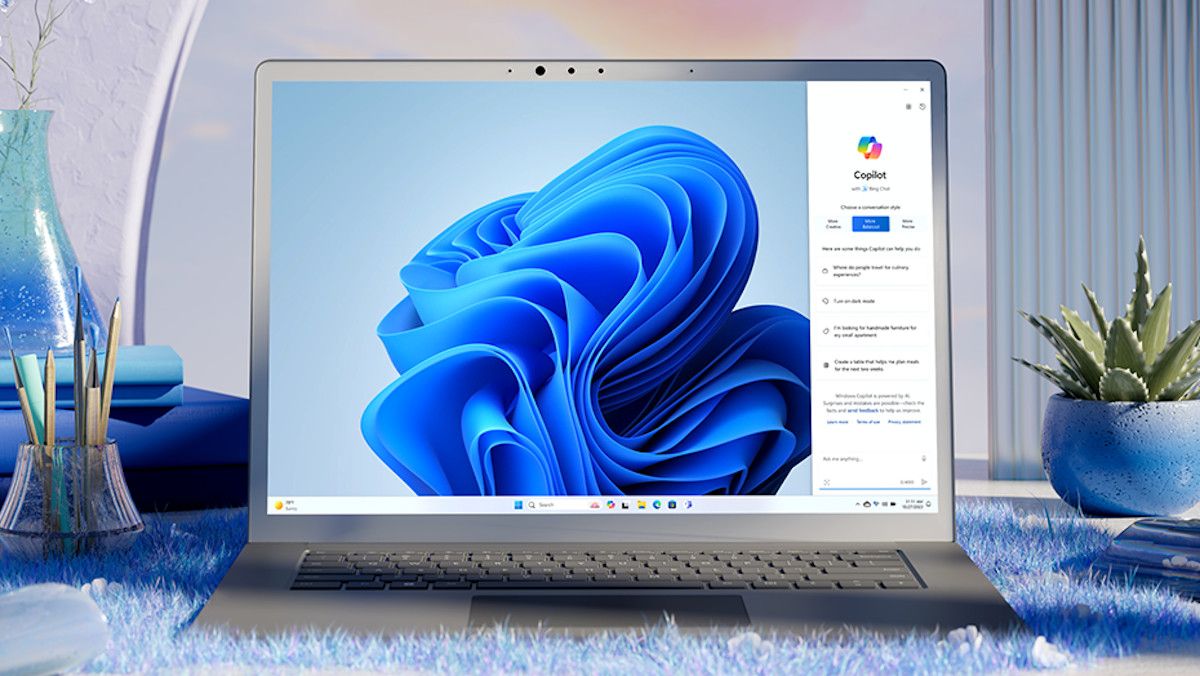
Winpilot can also handle tightening up privacy settings, and stripping out Copilot functionality from Windows 11 if you’re really not keen on the desktop-based AI assistant (that Microsoft very definitely is keen on).
Where does Clippy come into this? It’s the Winpilot assistant that offers help, tips, and suggested options, appearing on top of the app’s interface. Clippy also lets you know what Winpilot has done to your system when it comes to debloating measures and the like.
Analysis: Clippy cheekiness
Naturally, this is all very tongue in cheek, and there’s some (intentional we presume) irony in the fact that a debloating utility has what is – let’s face it – an element of bloat. As Tom’s observes, having used the Winpilot tool, the Clippy speech bubbles obscure some of the utility’s actual interface at times, which is something the developer needs to address, surely.
The dev describes Clippy as the “manic cousin of Microsoft Copilot” and it does come out with various jokes and somewhat colorful language – so it is entertaining in some respects. But as noted, it seems like there’s work to be done in reining Clippy in.
If this tool looks at all familiar to you, it might be because it’s been around for some time. Winpilot is the new name for the old app, BloatyNosy, which in turn was previously known as ThisIsWin11. As the old BloatyNosy name suggested, this is about removing bloat and ensuring privacy, but as ever with third-party utilities, we’d be cautious about using them.
The less far-reaching tweaks Winpilot can make are likely to be fine, but when it comes to pulling out bits of the core interface of Windows 11 like Copilot, you need to tread carefully, and be wary about unintended side effects. Particularly with future Windows 11 updates, for example – where changes Microsoft makes could break things in respect of Winpilot’s tweaking (or that’s certainly not an unimaginable scenario).
Big fans of Clippy out there (you know who you are) may also be interested to learn that the assistant has been brought to the Windows 11 desktop before – not as a feature to get rid of Copilot, but rather, to replace the AI.