
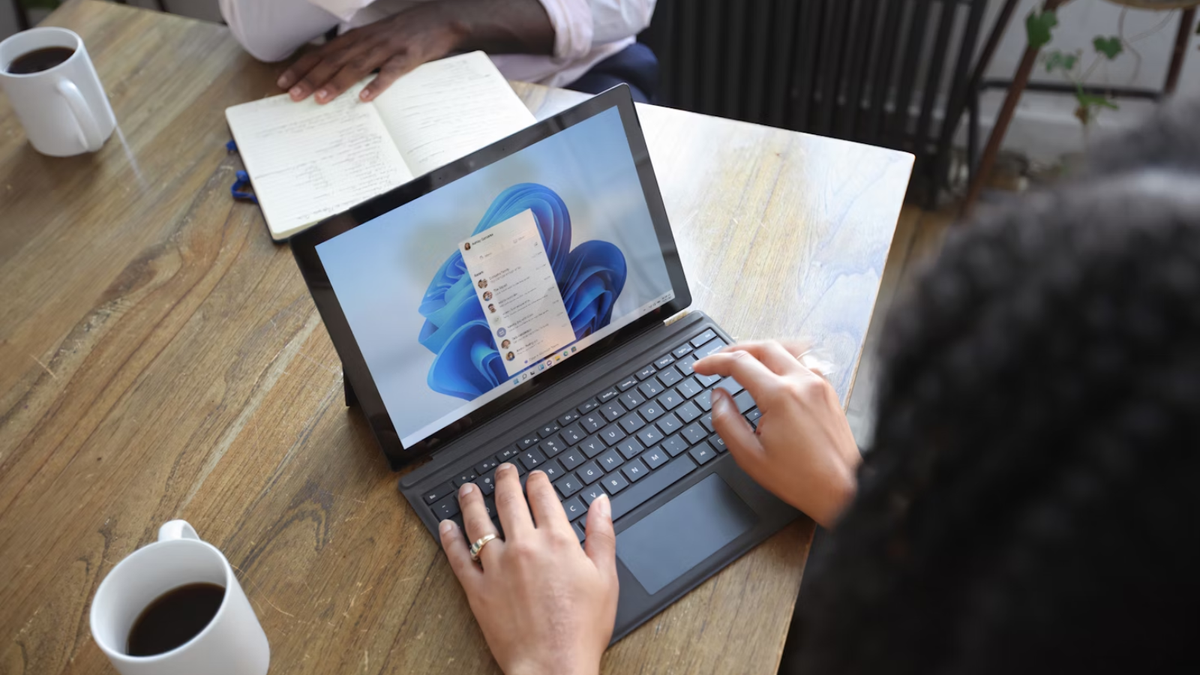
Windows 11 is going to see a lot more of Copilot in the future – that’s pretty obviously the line Microsoft is taking with its desktop-based assistant – and there’s fresh evidence of the AI creeping into more corners of the OS.
Firstly, we have a sighting of a new wallpaper, which came yesterday, when a couple of inbound laptops with the promising Snapdragon X Elite CPU were leaked. Both of those Lenovo notebooks had a Copilot-themed wallpaper on the desktop, so it’s a safe assumption that Microsoft has an official new background for the AI in the pipeline.
As Windows Latest observes, this is actually a traditional ‘bloom’ wallpaper, except Microsoft has redone the image in the Copilot colors (mirroring the Copilot button in the taskbar).
The tech site also points out other ways in which Copilot is creeping into Windows 11 and Microsoft Edge. For example, in the Edge browser, as highlighted by leaker Leopeva64, there’s now a bar of options pertaining to the AI when you open the Settings panel.
Microsoft is testing a new header on Edge’s Settings page with some actions you can perform using Copilot (Canary):https://t.co/VxEQP4vBDP.https://t.co/GTtjr4EzWo pic.twitter.com/7I8LFjDkuLApril 13, 2024
This bar contains suggestions for how you might use Copilot, allowing you to get advice on security settings for example, or managing your passwords in the browser. These suggestions change depending on what section of Edge’s settings you’re in, by the way, making them more relevant to what you might be looking to do.
Note that this idea is just in testing right now, and in the Canary channel to boot (the earliest test avenue).
Another ability brought in for Copilot in Edge (again, in the Canary channel) is an expanded Ask Copilot context menu. This means that when you select a section of text in a web page, there are new options for directly interacting with Copilot in this menu.
As Windows Latest explains, these choices are: Explain, Summarize, Expand, and Ask anything in Chat.
The last option acts like the current incarnation of Ask Copilot – it just fires up the AI’s panel with a query on the selected text.
With the new options, however, Explain prompts Copilot to do just that – offer an explanation of the text – and Summarize provides a summary, as you’d expect. In a similar vein, Expand goes the other way, furnishing you with extra facts or information about the selected text.
Again with Edge, Leopeva64 also spotted that AI is going to be integrated into the browser’s ‘Magnify Image’ option, with a button spotted that offers to ‘AI Enhance’ the image after it’s been blown up. This is in very early testing, though, and the button doesn’t yet do anything at all.
Microsoft will also integrate AI into Edge’s “Magnify image” feature, there will be a new button to “AI enhance” the magnified image, this new option doesn’t seem to work yet (at least in my case):https://t.co/ZIfFQbiBuS.https://t.co/TkPLI918AE pic.twitter.com/qNRkIYfT8lApril 18, 2024
Another recent addition Windows Latest flagged up is ‘Circle to Copilot’ in Edge in Windows 11 (and iOS), allowing you to literally draw a circle around something to activate a Copilot query about the highlighted item.
All this comes on top of a recent move in the Beta channel of Windows 11 previews, trying out a new way of highlighting that Copilot can help with something – by animating the taskbar button for the AI when this is the case. New options have also been added to the menu that appears when you hover over the Copilot button, too, expanding that further.
Analysis: Making Copilot a more visible presence
All of this is still to come, we should note – these are changes in testing for Windows 11 or its Edge browser, and in the case of the wallpaper, a glimpse of what’s very likely to come.
Indeed, that Copilot background will likely be the default wallpaper for AI PCs starting with Snapdragon X Elite-powered laptops that launch in June. (Not forgetting Microsoft’s own Surface Pro 10 and Surface Laptop 6, the consumer spins on which will land then, and may have a custom version of the Elite SoC inside).
Overall, though, it’s clear that Microsoft is pushing forward with expanding Copilot’s capabilities, and sussing out ways in which the AI can be made more visible on the desktop. Whether that’s about an animation for the taskbar button (effectively declaring “It’s-a-me, Copilot, I can help with that”), or a fancy desktop wallpaper that could be a permanent reminder of the AI, if you fall for the color scheme (which does look quite funky, to be fair).
We’d be surprised if most of these tested changes didn’t come to fruition, frankly, and as noted, there’s a theme of Microsoft increasingly pushing Copilot which comes as no surprise.
The big rumored addition on the horizon is, of course, AI Explorer – but that feature (supposedly debuting in the Windows 11 24H2 update) may have an unexpected twist in its initial incarnation that’s a bit of a shocker. (Spoiler alert: If you don’t have an ARM CPU like the aforementioned Snapdragon, then you can forget it – Intel and AMD-powered PCs might be left out in the cold).