
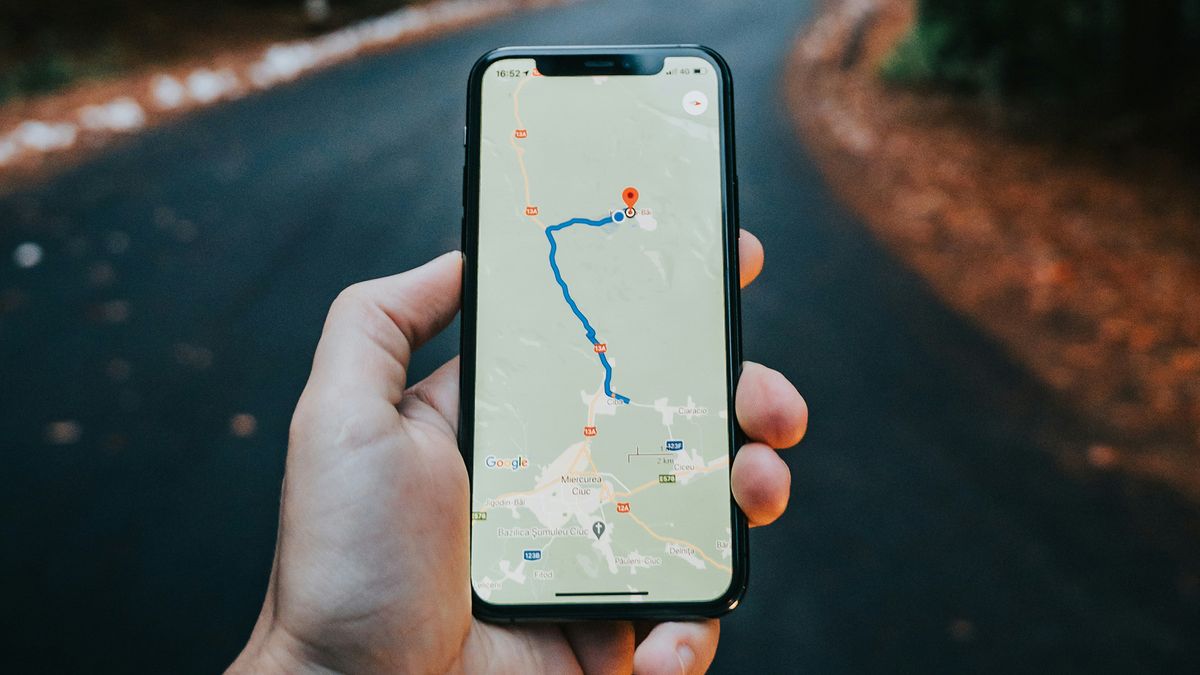
One of Google Maps most popular features, Timeline, is about to become a lot more secure. To give you a quick refresher, Timeline acts as a diary of sorts that keeps track of all the past routes and trips you’ve taken. It’s a fun way to relive memories.
Utilizing this tool requires people to upload their data to company servers for storage. That will change later this year though, as according to a recent email obtained by Android Police, Google will soon be keeping Timeline data on your smartphone.
Migrating Maps data over to localized device storage would greatly improve security as you won’t be forced to upload sensitive information to public servers anymore. However, due to the upcoming change, Google has decided to kill off Timeline for Web. Users have until December 1, 2024, to move everything from the online resource to their phone’s storage drive. Failure to take any action could result in losing valuable data, like moments from your timeline.
“Google will try moving up to 90 days of Timeline data to the first signed-in device” after the cutoff date. However, anything older than 90 days will be deleted and it’s important to take note of the wording. They’ll “try” to save as much as they can, meaning there is no guarantee Google will successfully migrate everything over if you miss the deadline. It’s unknown why this is the case, although we did ask.
Configuring Timeline
The company is asking people to review their Google Maps settings and choose which device will house their “saved visits and routes.” Their email offers a link to the app’s settings menu, but if you didn’t get the message you can navigate to Google Maps on your mobile device to make the changes there. It’s how we did it.
First, update Google Maps if you haven’t done so already, and then go to the Timeline section, where you’ll be greeted with a notification informing you of forthcoming changes.
Then, click the Next button, and a new window will appear asking you how long you would like to keep your data. You can select to store the information until you get rid of it or set up an auto-delete function. Users can have Google Maps trash their Timeline after three, 18, or 36 months have passed.
Additionally, you can choose to back them up to Google servers. Android Police explains that this revamped system curates Maps Timelines for each device “independently.” So, if you buy a new smartphone and want to restore your data, using the backup tool is the best way.
What’s interesting is that the Timeline transfer is a one-way street. Google states in a Maps Help page that after the data is moved to your smartphone, you cannot revert back to the previous method. We experienced this firsthand because we couldn’t find a way to upload data to company servers outside of the backup function after localizing storage.
Don’t worry if you haven’t received the email or the Google Map patch as of yet. Android Police says the company is slowly rolling out the changes. Be sure to keep an eye out for either one.
While we have you check out TechRadar’s list of the best Android phones for 2024.