
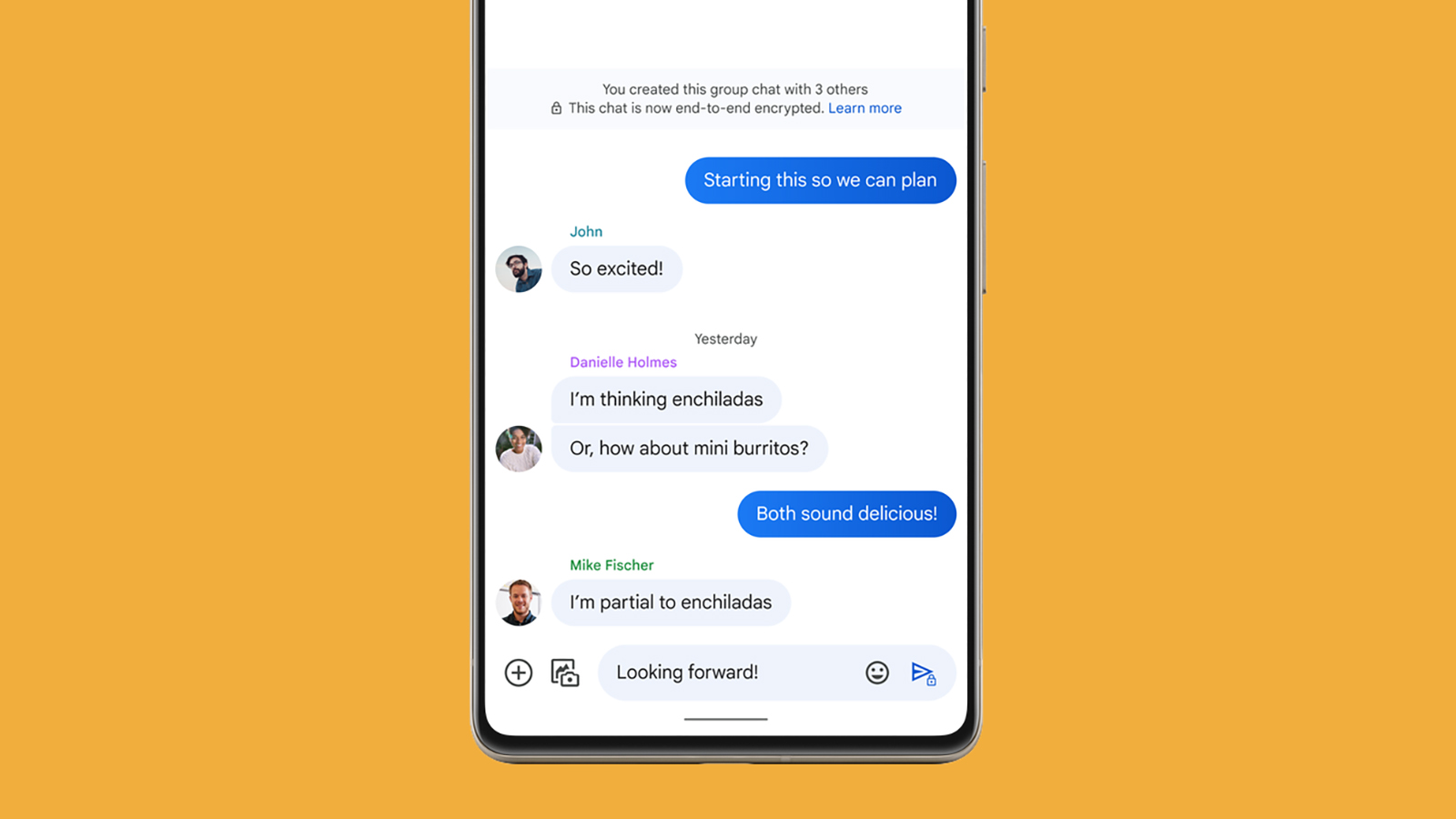
- Google Messages is bringing new design upgrades to its UI
- These include a PDF preview feature and an improved landscape mode
- We might also get an ‘Unsubscribe’ function for spam messages
It seems like Google has been working on improving the UI of its platforms. It’s just given its YouTube smart TV app a big upgrade, and now it looks like its Google Messages service is getting some much-needed attention too. Though the future of Gemini’s integration with Google Messages remains a mystery, Google has added even more non-AI related upgrades to its messaging app.
Following a series of tests for useful upgrades, Google has introduced four more UI changes, which have been spotted by Android Authority. Three of these have appeared in an APK teardown and the fourth is already available in the latest beta version.
These changes in Google Messages don’t just offer an aesthetic boost, but they also provide long-awaited answers to questions that users have been asking for a while, and could improve your visual navigation of the Google Messages app.
1. A more balanced landscape mode
The first of the four upgrades is a small adjustment to landscape mode in Google Messages. For a long time, users have found that Google Messages can look a little off when tilted and used in landscape mode, with the width of the chat screen being much larger than the width of the messages list.
This is one of the changes that Android Authority spotted in its teardown. It reveals that Google could possibly fix this in the near future, by making both sides of the screen even in size.
2. Previews for PDF files in RCS messages
When it comes to viewing media in RCS chats, videos and shared URL links come with a visual preview showing the reader a brief snippet of the shared content without opening the file. But many users have noticed that this doesn’t apply to PDF files shared in Google Messages.
An additional code has been found by Android Authority showing that this is another improvement that Google could be bringing to its Messages service, following in the footsteps of competitor messaging apps such as WhatsApp, which already offers PDF previews. However, Android Authority states that PDF files that require an access password will not have a preview.
3. An ‘Unsubscribe’ button to prevent SMS and RCS spam
Less a design feature and more a new managing tool, 9to5Google has spotted that Google could be implementing a new ‘Unsubscribe’ feature aimed at stopping unwanted SMS texts or RCS chats from business senders. This upgrade appears in the most recent release of Google Messages, and 9to5Google notes that it applies to:
- RCS for Business messages in the United States, Brazil, France, Germany, India, Mexico, Spain, and the United Kingdom.
- SMS or MMS messages in the United States from short codes (phone numbers with 5-6 digits) and alphanumeric senders.
The new button has been spotted above the text field at the bottom of chats, and in the conversation’s overflow menu.

4. Changes to main action buttons
The final upgrade is a very minor change to Google Messages and is already available in the latest beta version: Google has added text to its main call, video, contact info, and search action buttons. We’re assuming this new addition is to provide a visual aid for users, making it easier to distinguish between these different functions.