
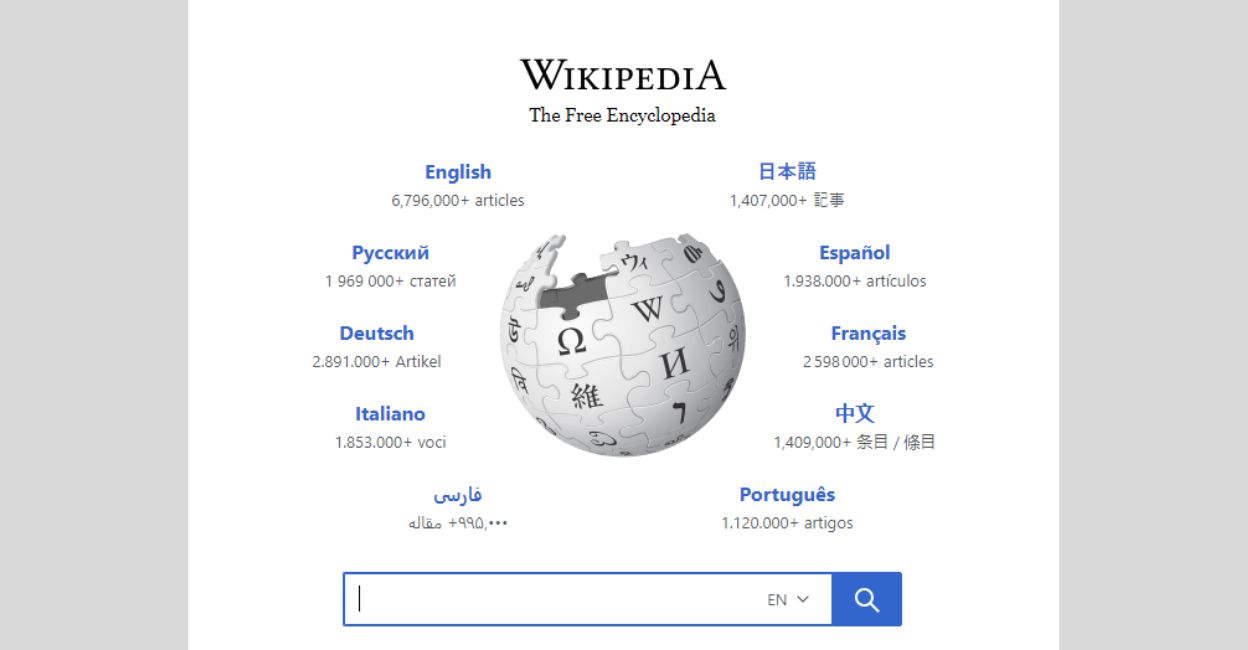
Have you ever found yourself frustrated by a slow or unreliable internet connection just when you needed information from an online encyclopedia? With connectivity issues becoming a common annoyance, the importance of having an offline backup of crucial information cannot be overstated. Digital rights groups and open-source organisations have long championed the cause of unhindered access to information, even in areas with poor internet infrastructure or under heavy-handed state censorship.
Among various solutions like ‘Internet-in-a-box’, one practical approach is to download the largest open online encyclopedia, Wikipedia, for offline browsing. While Wikipedia provides datasets for its articles, the process of parsing these datasets may be too technical for the average user.
Read Also (by the Author): Here’s how to stop intrusive adverts and pop-ups
Here is where Kiwix, an open-source application, comes to the rescue, simplifying offline downloads of Wikipedia and other open compendiums. Follow this step-by-step guide to installing Kiwix, downloading your preferred content, and accessing it offline effortlessly:
Step 1: Download Kiwix
Visit Kiwix’s official website and download the suitable version for your platform. Android users can download the app directly from the Google Play Store or from the website in APK format for manual installation.
Step 2: Launch Kiwix
Open Kiwix, and you can start searching for your desired website from within the app or visit Kiwix Library online. Wikipedia, Project Gutenberg, and Wikibooks are some excellent resources available for download.
Step 3: Download content
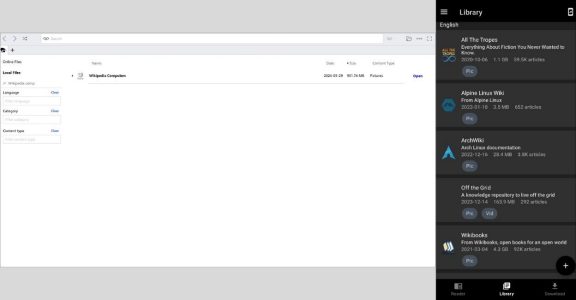
On the mobile app, access the ‘Download’ page by clicking the leftmost download icon on the footer menu. Select the desired content to download, which will be in “zim” format. For desktop users, locate the download menus within the application.
Step 4: Open downloaded content
To access the downloaded content, click on the file icon in the upper right. If downloaded via the app, the file can be located in the local file tab. On the mobile app, visit the ‘Library’ page. Click on the desired website to open the reader menu, providing a seamless offline browsing experience.
Additional features and benefits
Kiwix supports a range of educational content from websites like TED-Ed, Khan Academy, and others from the Wikimedia foundation. Because this content is royalty-free, you don’t have to worry about being complicit in piracy. Advanced users can enable Kiwix’s hotspot feature to host the downloaded websites on a local network, allowing others connected to the same LAN or hotspot to access the offline content.
With Kiwix, you can keep your curiosity streak unbroken, even when the internet fails you. Download, dive, and explore vast repositories of knowledge anytime, anywhere. — Make sure to share this guide with anyone you think could benefit from uninterrupted access to critical educational resources. Happy reading!