
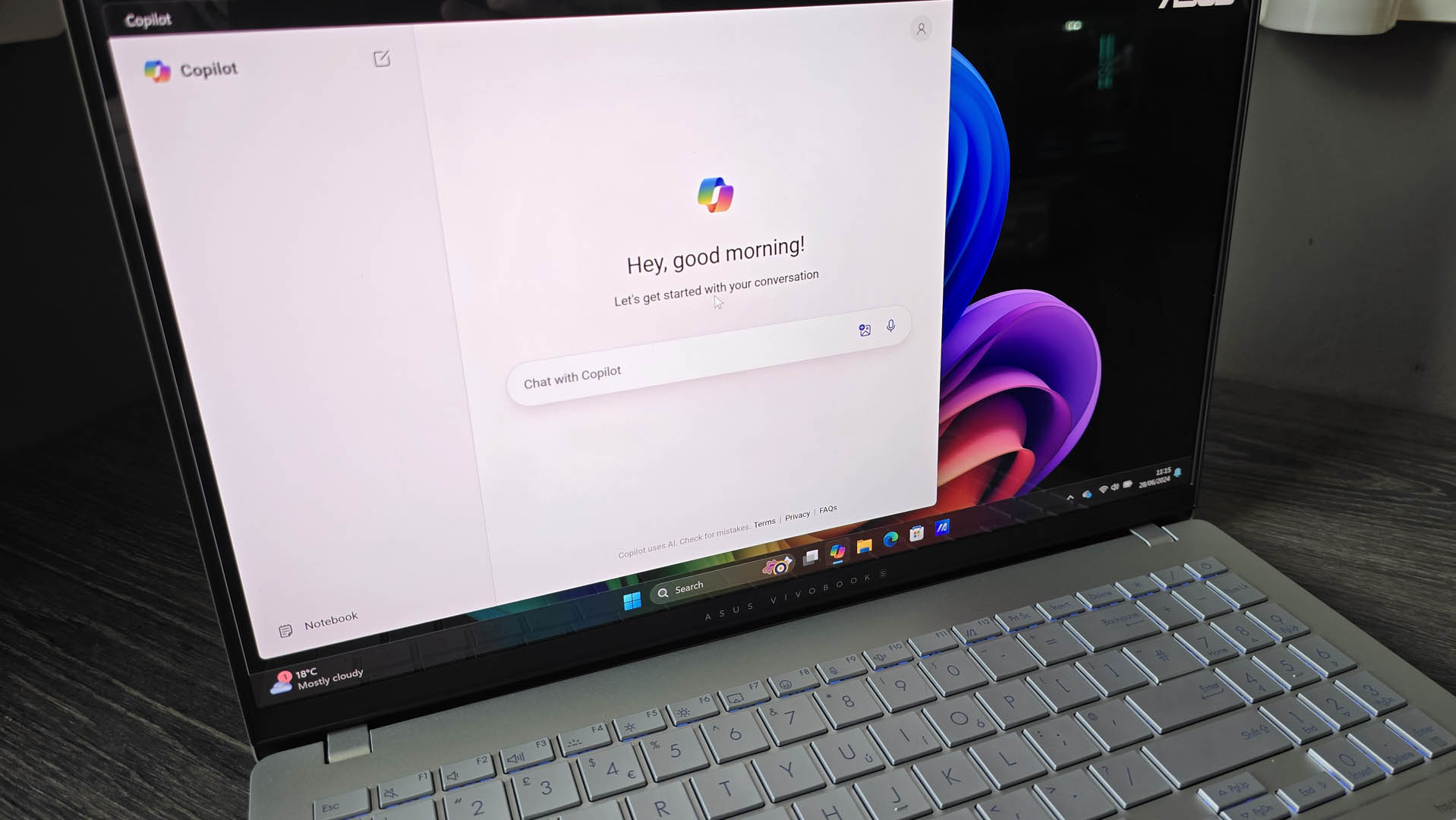
- A Windows leaker has found a guided tour for the Copilot app
- This is present in a test build of Windows 11, and offers a six-step introduction to the AI app
- It covers the basics such as how to upload a file to have Copilot examine it, and the major interface elements of the app
Microsoft is apparently planning on introducing a guided tour for the Copilot app, in order to show the uninitiated what the AI assistant can do in Windows 11.
The fresh introduction for Windows 11 preview builds was noticed by PhantomOfEarth on X, as you can see in the below post.
The Copilot app on Windows is getting a guided tour to help new users get started with it. pic.twitter.com/4BRqQiPAWlApril 28, 2025
The leaker provides a quartet of screenshots to show you how the guided tour is currently implemented. (I should note that although it isn’t stated explicitly, the assumption is that this is hidden in Windows 11 test builds, and not yet enabled by Microsoft).
The offer of the guided tour is placed at the top of the screen, above the Copilot text and prompt panel.
If you click to take it, the tour in its current form is something of a whirlwind affair. We’re shown three of the six steps which introduce the prompt box (where you ask Copilot to do things), the button to upload files for Copilot to work with, and the icon to click to transform the app into a mini-window (for multitasking).
Analysis: An obvious move
A guided tour for newbies to this particular facet of AI in Windows 11 seems like a sound enough move. Not everyone is familiar with Copilot in its new standalone app form, and a gentle introduction to the basic functions isn’t going to hurt. And if you’re not interested, obviously you can just ignore it (dismissing the prompt by turning down the tour).
Indeed, Microsoft might even work to beef up the tour a bit, although that may not be the case given that its purpose is just to deliver a brief introduction to the key elements of the Copilot app.
All of this is assuming that the piece of functionality makes the cut for inclusion in Windows 11, although as noted, I can’t see why it wouldn’t.
As you may recall, Copilot wasn’t always an app. When the AI assistant first arrived in Windows 11, it was integrated directly into the OS as a side panel (that pulled out from the right-hand side of the desktop). Microsoft then changed its mind and split off the AI into a standalone application, so it could be interacted with like a normal app – even though decoupling it from the operating system in this way kind of felt like a step backwards. Particularly when the Copilot app was so basic to begin with, although that has now changed.
Exactly where Copilot is going in Windows 11 remains to be seen, and there’s no shortage of folks who are rather underwhelmed at the progress made with the AI assistant so far. (And some who might’ve been quite glad to encounter a recent bug that accidentally deleted Copilot from Windows 11, rather unbelievably).
A lot of big initial promises about Copilot being able to enact sweeping changes to settings based on broad natural language prompts (such as “make my games faster”) still seem a long, long way off from where we stand right now. Currently, the Copilot app for Windows 11 isn’t that much different to using Copilot on the web.