
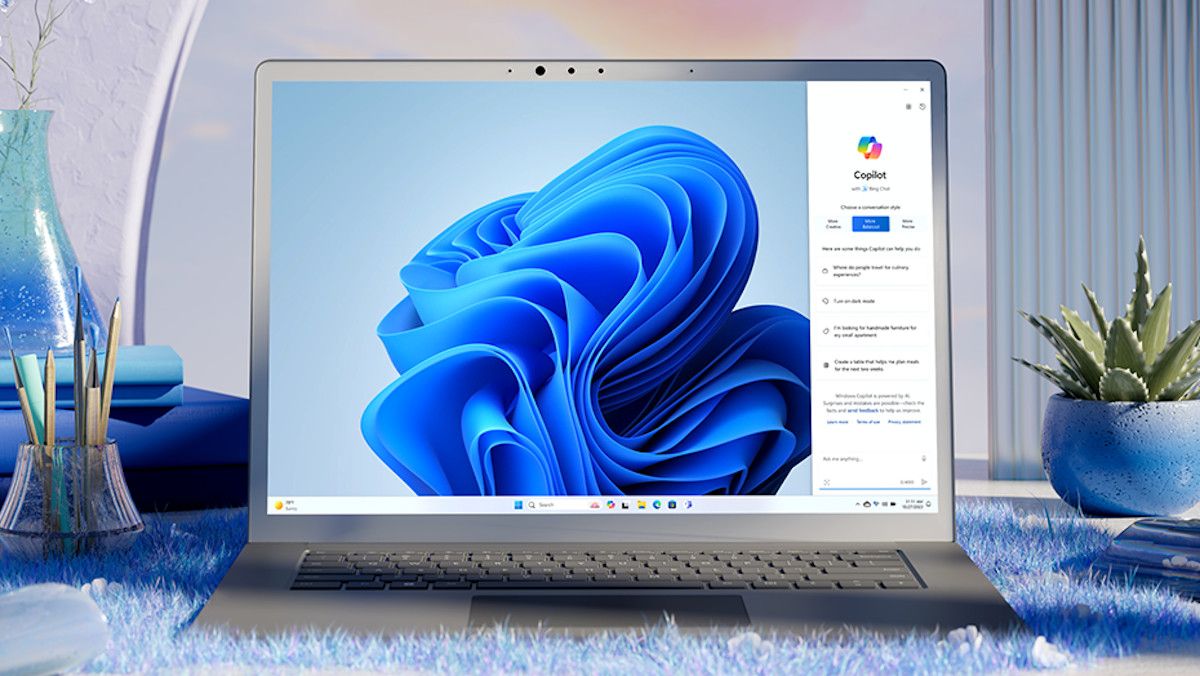
Windows 11 just received a new preview build and it makes a number of important changes to the central pillar of the operating system’s interface, File Explorer – and there’s an interesting announcement about Copilot here, too.
As you may be aware, File Explorer is what you’re using when opening folders on your desktop, and Windows 11 got web browser-style tabs in these folders courtesy of the first major update for the OS (at the end of 2022).
In the new build 22635 in the Beta channel, Microsoft has introduced the ability to easily duplicate a tab in File Explorer.
All you need to do is right-click on an existing tab, and there’s a new option to duplicate it – click that and a second copy of the tab will be opened. It’s a neat shortcut if you want to dive deeper into other folders inside a particular folder, while keeping that original folder open.
On top of this, the preview build ushers in multiple fixes for this part of the interface, including the solution for a memory leak when working with ZIP folders in a File Explorer window. A fix has also been implemented for an issue which means the spacing between icons in File Explorer becomes very wide.
There’s also a cure for a bug where a search wouldn’t work the first time you tried it, and it’d return no results. Microsoft also notes that it: “Fixed a few issues impacting File Explorer reliability.”
There’s not much else happening in build 22635 – check out the blog post for the full list of other tweaks – but Microsoft has taken a notable step back with Copilot.
The company notes that over the past few months in Windows 11 preview builds, it has tried out a few new ideas with the AI assistant, observing that: “Some of these experiences include the ability for Copilot in Windows to act like a normal application window and the taskbar icon animating to indicate that Copilot can help when you copy text or images. We have decided to pause the rollouts of these experiences to further refine them based on user feedback.”
Analysis: Some careful thought is required for Copilot visibility
It’s interesting to see that feedback has resulted in a halt on those Copilot experiments, though obviously Microsoft is careful not to say exactly why these changes have been rescinded (for now).
We were particularly skeptical about having Copilot effectively waving its hands at you from the taskbar, with that animation declaring it can help with something, so we aren’t too surprised Microsoft is having a careful think about how to proceed here.
If there is any behavior along those sorts of lines, it’ll have to be subtle, and users will need the ability to switch it off, if they don’t want animations on the icon (which is also happening with widgets on the taskbar, too). We’ll be keeping a close eye on Microsoft’s moves in this respect.
The work on File Explorer is good to see, and should make it more stable and reliable overall. Duplicate tabs are a useful shortcut to have brought in, as well, and were only recently spotted hidden in test builds, so Microsoft has moved pretty swiftly to officially introduce this change.