
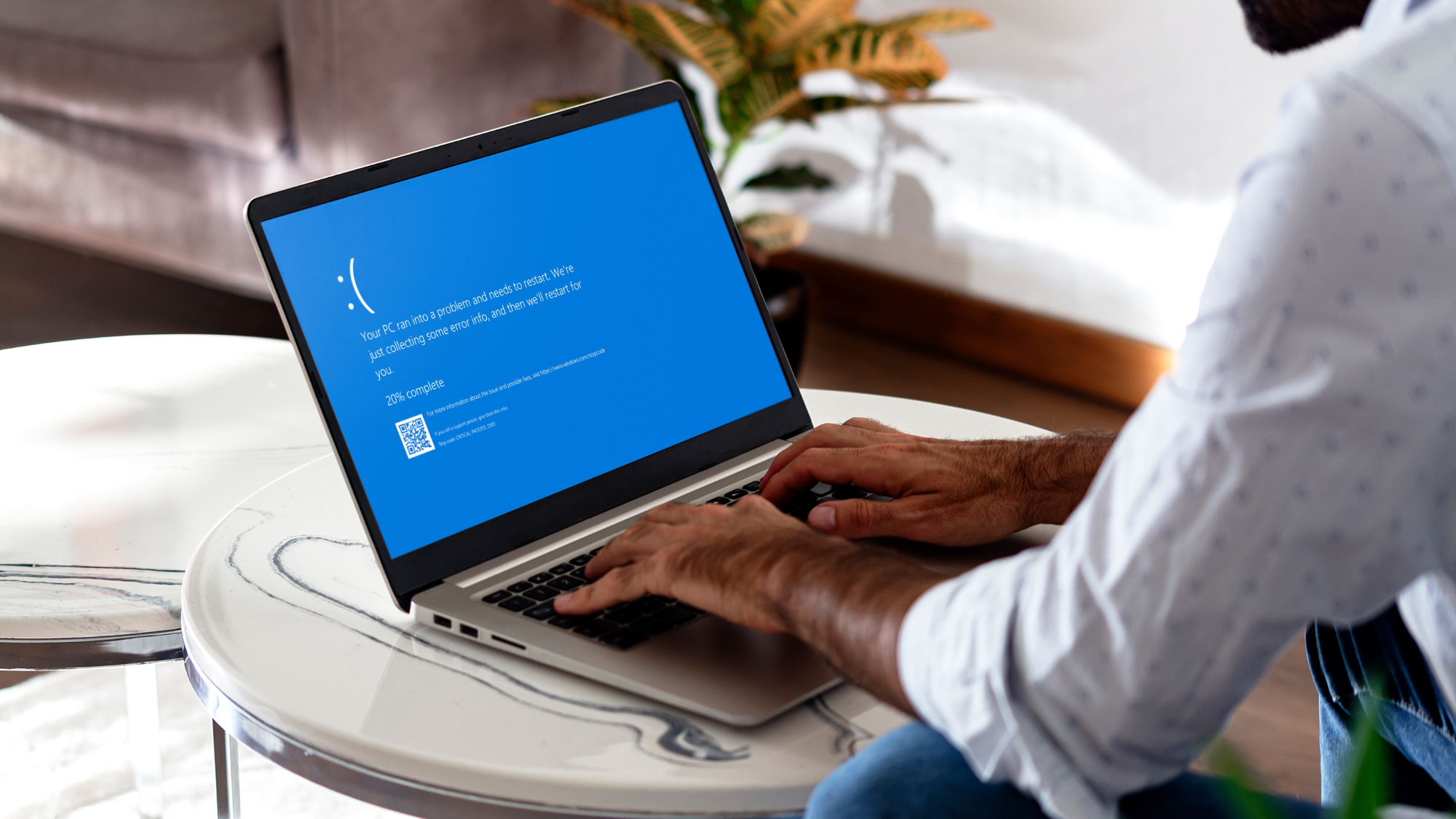
- Windows 11 has a new Black Screen of Death (BSoD) rather than blue
- It simplifies the current BSoD as well as changing the color
- The problem is that it perhaps goes too far with the streamlining, and looks rather too much like a Windows update being applied
Windows 11 is getting a new design – and color – for the infamous ‘screen of death’ that appears when the system completely locks up and needs to be rebooted.
The Verge reports that after 40 years of the Blue Screen of Death, we’re now getting a Black Screen of Death – handily still abbreviated to a BSoD – and it looks quite different to the current version in Windows 11.
In a change we already knew was in the pipeline, Microsoft has simplified the existing BSoD and removed the frowny face along with the on-screen QR code. The new black-colored screen for system crashes is far more streamlined and is currently being deployed in testing to the Release Preview channel.
In the blog post for that new Windows 11 preview build, Microsoft explains: “A more streamlined interface appears during an unexpected restart [system crash]. This updated design aligns with Windows 11’s visual style and helps you return to work faster. The screen displays a more readable layout while keeping the technical details visible. This screen appears with a black background.”
You can see the new black screen below, which is mostly a simple message: “Your device ran into a problem and needs to restart.”
That’s pretty vague, of course, but for those interested in more detail, there’s a stop code (error message) at the bottom of the screen, as well as a pointer as to ‘what failed’ (info on which system file was involved in the error).
With this move now present in the Release Preview build, it means that the redesigned BSoD will be coming to the finished version of Windows 11 soon.
Analysis: Crashing bore
Tackling these tweaks one by one, let’s start with the QR code, which has been banished. Am I going to miss that? No, in a word, and I doubt many other people will, either. The idea was to scan it and get a fuller picture of the details of the crash presented to you, but it never really imparted any useful information, just a generic support blurb. (And sometimes users weren’t quick enough to be able to scan the code on-screen, anyway).
As for dispensing with the frowny face, I guess the argument for this is that it looked rather clunky, or arguably even childish, but it did serve an important function of sorts: making it clear that a ‘bad thing has happened’ (TM).
Here we come onto the issue with the new-look BSoD in my opinion (and not just mine): that it isn’t so clear that an error has occurred. The design looks very similar to a standard Windows update, particularly with the new black background, along with the ‘percentage complete’ counter.
And so folks who don’t read the thing properly – and those people are definitely out there – may be confused as to what’s going on. A further niggle is that having the screen black may feel a bit more intimidating – I’ve certainly seen this point raised before – as blue is a friendlier color, black is a bit doom and gloom-y.
At any rate, I think a visual backup to the ‘device ran into a problem’ text would be handy. Okay, you don’t need a giant frowny face, but there could be some kind of graphic to indicate that an error has occurred, mainly to differentiate the BSoD screen from an update.
It wouldn’t be that difficult for Microsoft to make that tweak, of course, and the company might just do that, depending on feedback to the new BSoD. In theory, though, it’s a tricky change to test; in the final preview channel, crashes should be unlikely, so not many Windows Insiders (AKA testers) will see it. (It’s also worth noting that in early preview versions, the BSoD is actually a GSoD – a green screen).