
- Windows 11’s optional update for March has just arrived
- This preview update packs a fix for a printer bug that caused devices to churn out random characters
- The cure will be tested in this optional release, and will then become part of the full patch for Windows 11 23H2 released in early April
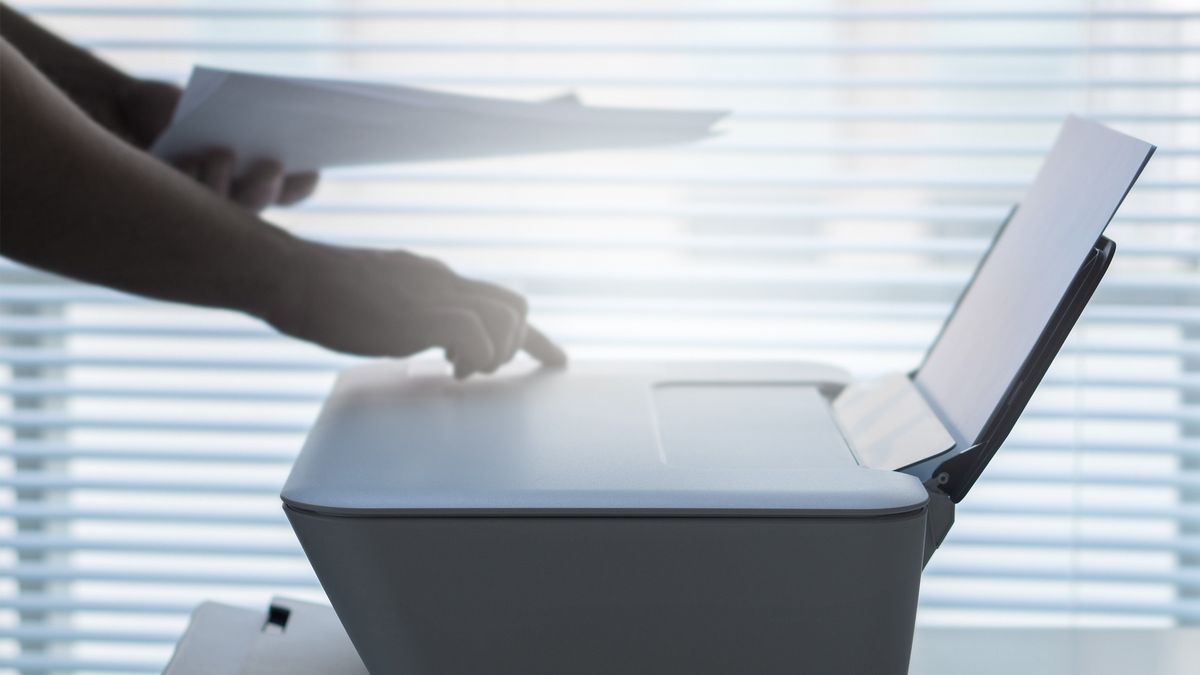
Remember that really strange printer bug with Windows 11 23H2 – the one that made it seem like your printer was possessed? There’s some good news for those affected in that Microsoft’s latest update has cured this problem.
The glitch was introduced in a preview update released at the end of January 2025, which caused the printer to mysteriously produce pages filled with random characters. It only affected printers that were hooked up by USB, mind, and mainly happened when turning on the device – although that doubtless spooked quite a few people.
However, Microsoft has just released the March preview update for Windows 11 – packing quite a few goodies, as it happens – and that also contains the fix for this weird printer bug.
Neowin reports that in a Windows 11 health dashboard update relating to the bug, Microsoft informs us: “This issue was resolved by Windows updates released March 25, 2025 (KB5053657), and later. We recommend you install the latest update for your device as it contains important improvements and issue resolutions, including this one.”
Analysis: Not catastrophic, and kind of amusing – but still wasteful
Granted, this is far from the worst Windows 11 bug we’ve seen, and 24H2 users have been suffering all sorts of really odd bugs being slung at them in particular (gamers have been mercilessly under fire, too). There have also been gremlins crawling around in the depths of Windows 11, which have caused printers to stop working (at least partially) in the past.
At least this glitch didn’t do anything as bad as that, and it even had kind of a humorous side to it, in terms of the ‘possessed printer’ aspect. That said, wasting paper and ink isn’t going to be funny if the bug keeps on happening, as it apparently did – with no way of stopping it. That’s a very eco-unfriendly prospect, even on a small scale like this.
At any rate, it’s good to see that Microsoft has fixed this spanner in the works in a relatively timely manner. However, there is a note of caution to sound here, which is that the resolution of this printer problem is only in a preview update right now. Those updates, which arrive late in the month to test the ground ahead of the full patch release the following month, are optional for a reason.
Preview updates are still in what’s effectively the final stage of testing, so things can still go wrong with them. That means this fix may not work quite as expected or could cause unintended side effects elsewhere in Windows 11 (that’s certainly happened before).
In this case, if the printer bug is something you’re finding irksome, you’ll probably want to grab the March preview update and take your chances. The good news is that even if you prefer to wait, you won’t have to be patient for long, as the fix will be contained within the April cumulative update for Windows 11 23H2 (arriving on April 7, so it’s only a week and a half away now).