
- Windows 11’s July update is now out
- It offers quite a number of new features and tweaks
- There are also some important fixes, particularly for gamers
Windows 11 24H2 has a new update and it’s a weighty affair packing a bunch of feature additions and some important fixes.
What goodies can you expect with the cumulative update for July? I’m going to briefly summarize some of the changes deployed here – and those fixes – first of all, before picking out a few personal highlights here in terms of the bigger moves afoot with introducing new features.
It’s also worth remembering that the update formally known as KB5062553 has some features on a gradual rollout, so you may not see everything land on your PC straightaway after applying the patch – but rest assured, this is all in the pipeline.
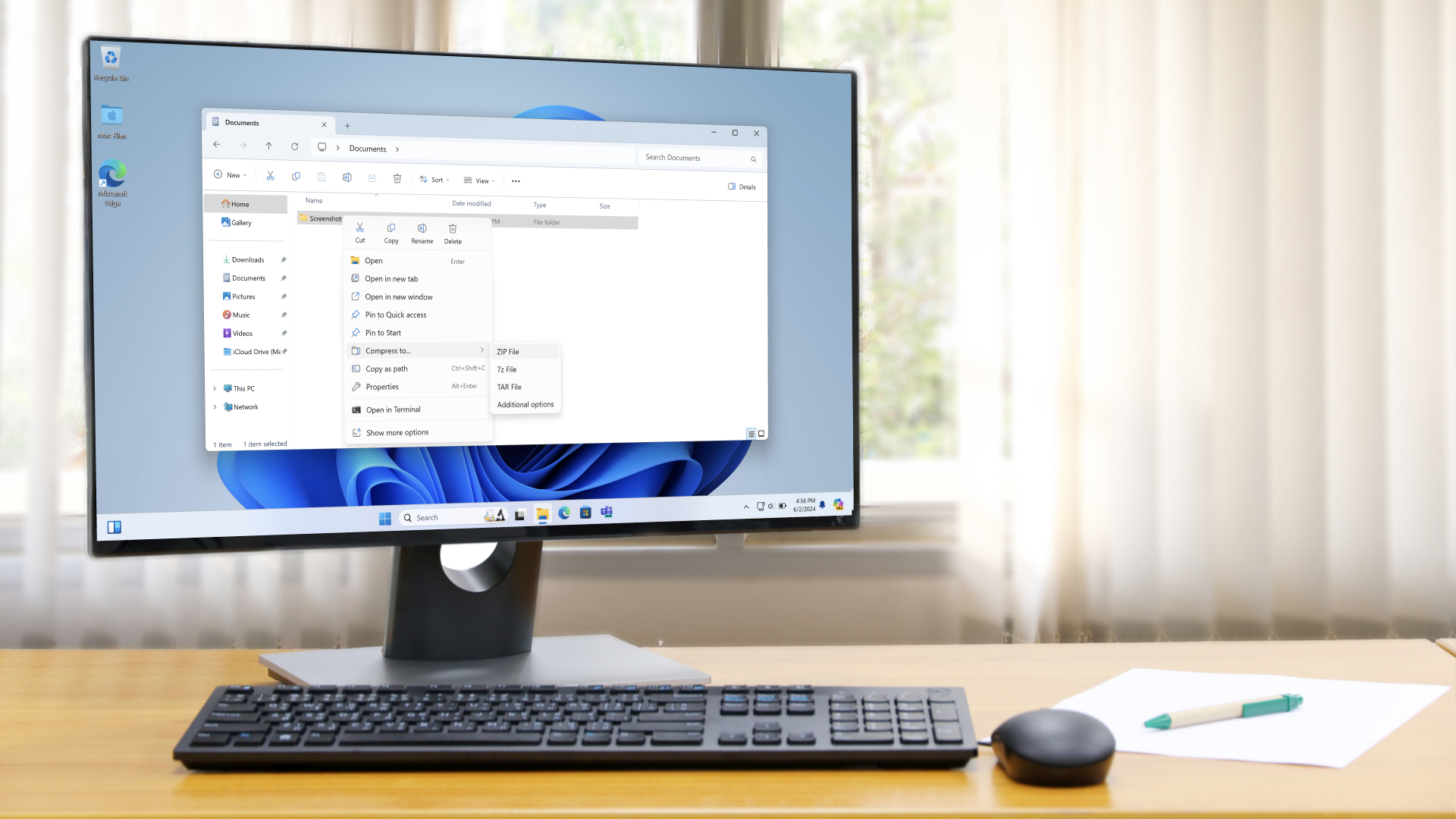
Onto the changes, one of which is faster native unzipping of files under File Explorer (the folders on your desktop).
There are also a couple of tweaks for the Windows Share interface, which allows for easily sharing files via a range of apps. First off, this now offers a visual preview of any web content that’s being shared. Secondly, for images, there’s also file compression available on tap, allowing you to quickly shrink the size of a picture to a predefined level (low, medium, or high compression), making it quicker and easier to share with somebody else.
As for the fixes, there’s a lot of work that PC gamers will appreciate, including the resolution of a problem whereby Alt-Tabbing away from a game could mess with the mouse cursor (if the game’s resolution was different to that of the desktop). There’s also a fix for Alt-Tabbing away from a full-screen game causing some apps to freeze up.
Furthermore, Microsoft has cured instances where ‘display resets’ – meaning the monitor screen goes black for a couple of seconds – have been bothering people, including when gaming.
Other fixes include squashing a bug where windows could change their size and position after a device had woken from sleep, and a problem where when dragging a window around the desktop, File Explorer could crash.
Next up, here are my highlights for the new features delivered – or about to be delivered – with the July update for Windows 11.
1. Honey, I shrunk the taskbar icons
Microsoft has made a small but impactful tweak with the taskbar. The idea is that as you open up more apps, and the taskbar becomes a more crowded place, the icons on the bar automatically shrink down. This means you can see more apps and icons in these scenarios (rather than having them overflowed onto a separate panel), which is pretty nifty.
That said, looking at the feedback to this change, not everyone wants shrunken icons. The good thing is if you fall into this category, you can simply disable this behavior and have the icons act as they do now.

2. Accessibility goodies
Voice Access is a feature I still use from time to time (though I used to employ it a lot more when I suffered from RSI for a couple of years in the past), and the July patch brings with it the ability to add custom words to the dictionary. This is a neat feature that was present in Nuance’s Dragon speech recognition software (which Voice Access is built on), and it’s good to see it appear in Windows 11.
Microsoft has also added a privacy feature for Windows 11’s screen reading tool, Narrator, which is called the ‘screen curtain’. This means that while Narrator is reading out the contents of the screen, the display is blacked out, so in public, no one can peek over your shoulder at potentially sensitive or confidential material. You will, of course, need to use headphones to listen to the content being narrated privately.

3. Begone, Edge
This update makes a change relating to browsers which, sadly, will only be for folks in Europe like myself. It’s a simple tweak which means that Windows 11 will now tie your chosen default browser to all file types that are opened in a web browser. Isn’t that the case already? Well, no, not for some more obscure formats, and what this means is sometimes you’ll get Edge popping up when those files are accessed.
So, this means less Edge in your face in those scenarios, which has got to be a good thing. For those in Europe, that is – and why is this change restricted to that region? Because it’s bound up in European data regulations, which sadly means those in the US, or elsewhere, won’t get the benefit of this tweak. That’s something Microsoft should change in my opinion, but I don’t think it’s likely to happen.
4. PC-to-PC migration
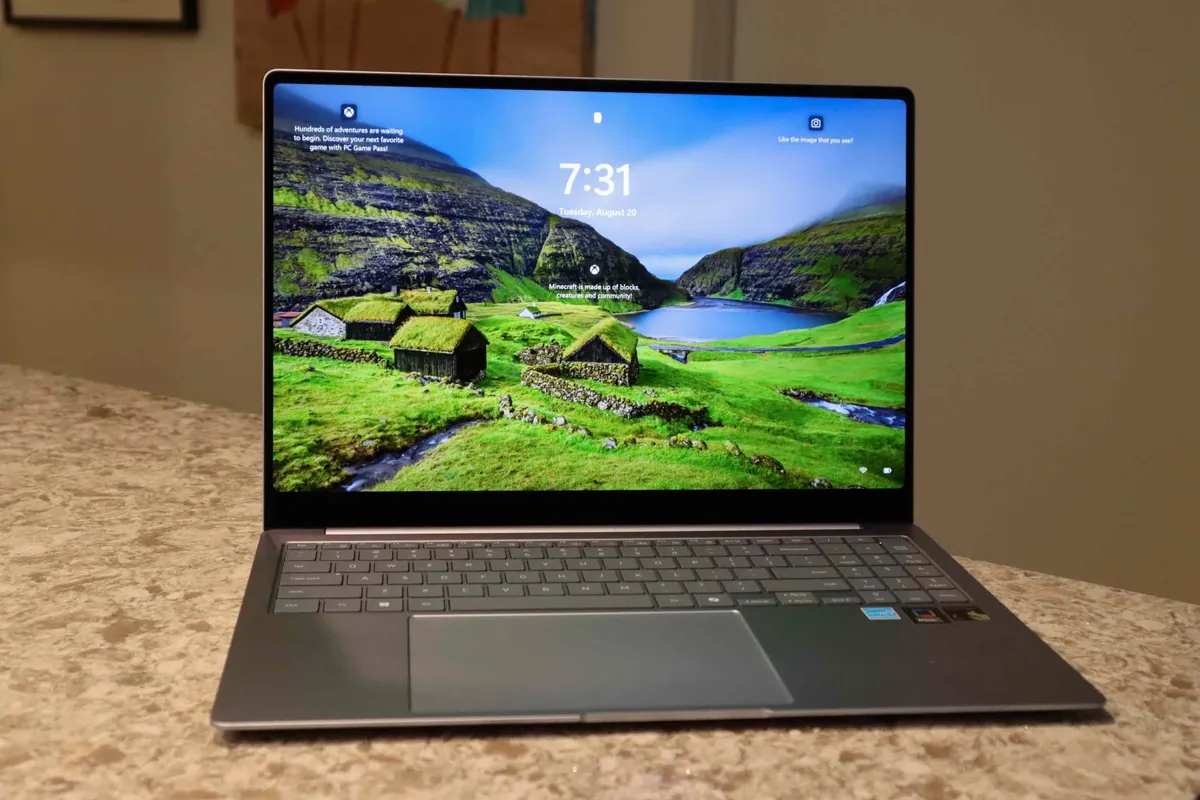
This is a feature that’s part of the Windows Backup app which I’m very pleased to see, as it’ll make it easy for people to switch from an old PC to a new one. It’ll do all the grunt work for you, transferring your files and installation across (with both machines connected to the same network).
However, there is a big caveat – at this point we’re just getting a ‘first look’ at the feature. Right now, it’s not actually functional, but the shell of the PC migration ability is now in place. What this means is that it should be on the way soon (in a ‘future update’ we’re told), and you can bet Microsoft wants this in place likely well before the expiration of Windows 10 (in October 2025 when support runs out).
So, what I’m happy about here is that this signals the imminent arrival of a (hopefully) powerful new piece of functionality that should really help novices in particular make the transition to a new PC.