
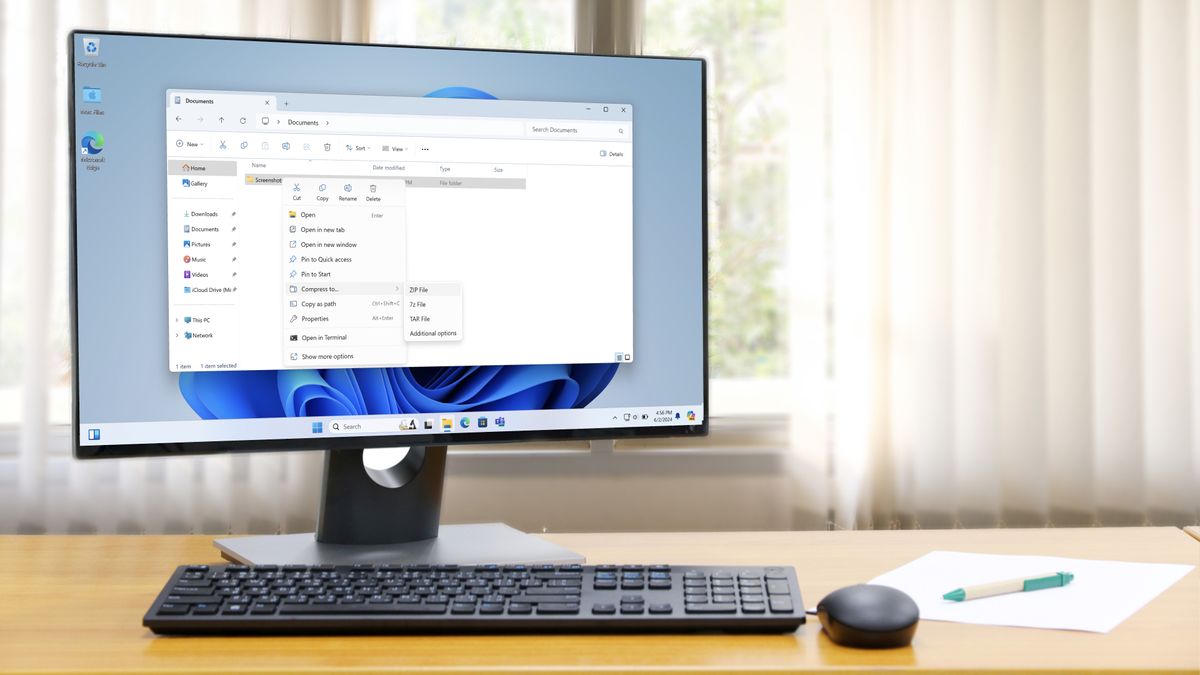
- Windows 11 has a new preview build that improves performance with ZIPs
- Unzipping now happens faster in File Explorer, particularly with ZIPs crammed with a ton of small files
- Complaints about sluggish performance with unzipping have been around for quite some time, though, and this fix has been a long time coming
Windows 11 has a new preview out and it does some useful – albeit long-awaited – work in terms of accelerating the rate at which files are pulled out of ZIPs within File Explorer, plus there are some handy bug fixes here – and a minor feature that’s been ditched.
All this is happening in Windows 11 preview build 27818 (which is in the Canary channel, the earliest external test build).
As mentioned, one of the more notable changes means you’ll be able to extract files from ZIPs, particularly large ZIP archives, at a quicker pace in File Explorer.
A ZIP is a collection of files that have been lumped together and compressed so they take up less space on your drive, and unzipping such a file is the process whereby you copy those files out of the ZIP.
File Explorer – which is the name for the app in Windows 11 that allows you to view your folders and files (check here for a more in-depth explanation) – has a built-in ability to deal with such ZIP files, and Microsoft has made this work faster.
Microsoft explains in the blog post for this preview build: “Did some more work to improve the performance of extracting zipped files in File Explorer, particularly where you’re unzipping a large number of small files.”
It’s worth noting that this is a performance boost that only applies to File Explorer’s integrated unzipping powers, and not other file compression tools such as WinRAR or 7-Zip (which, in case you missed it, are now natively supported in Windows 11).
Elsewhere in build 27818, Microsoft has fixed some glitches with the interface – including one in File Explorer, where the home page fails to load and just shows some floating text that says ‘Name’ (nasty) – and a problem where the remote desktop could freeze up.
There’s also a cure for a bug that could cause some games to fail to launch after they’ve been updated (due to a DirectX error), and some other smoothing over of general wonkiness like this.
Finally, Microsoft informs us that it has deprecated a minor feature here. The suggested actions that popped up when you copied a phone number (or a future date) in Windows 11 have been disabled, so these suggestions are now on borrowed time.
Analysis: Curing sluggishness rather than ushering in super-zippy performance
Windows Latest noticed the change to ensure ZIP performance is better in File Explorer with this preview, and tested the build, observing that speeds did indeed seem to be up to 10% faster with larger, file-packed ZIPs.
Clearly, that’s good news – and it’s great to see Microsoft’s assertion backed up by the tech site – but at the same time, this is more about fixing poor performance levels, rather than providing super-snappy unzipping.
Complaints about File Explorer’s unzipping capabilities being woefully slow in Windows 11 date back some time, particularly in scenarios where loads of small files are involved – so really, this is work Microsoft needs to carry out rather than any kind of bonus. If Windows Latest’s testing is on the money, a 10% speed boost (at best) may not be enough to placate these complainers, either, but I guess Microsoft is going to continue to fine-tune this aspect of File Explorer.
There are plenty of other issues to iron out with File Explorer too, as I’ve discussed recently – there are a fair few complaints about its overall performance being lackluster in Windows 11, so this is a much broader problem than mere ZIP files.
Furthermore, Microsoft breaking File Explorer for some folks with last month’s February update doubtless didn’t help any negative perceptions around this central element of the Windows 11 interface.