
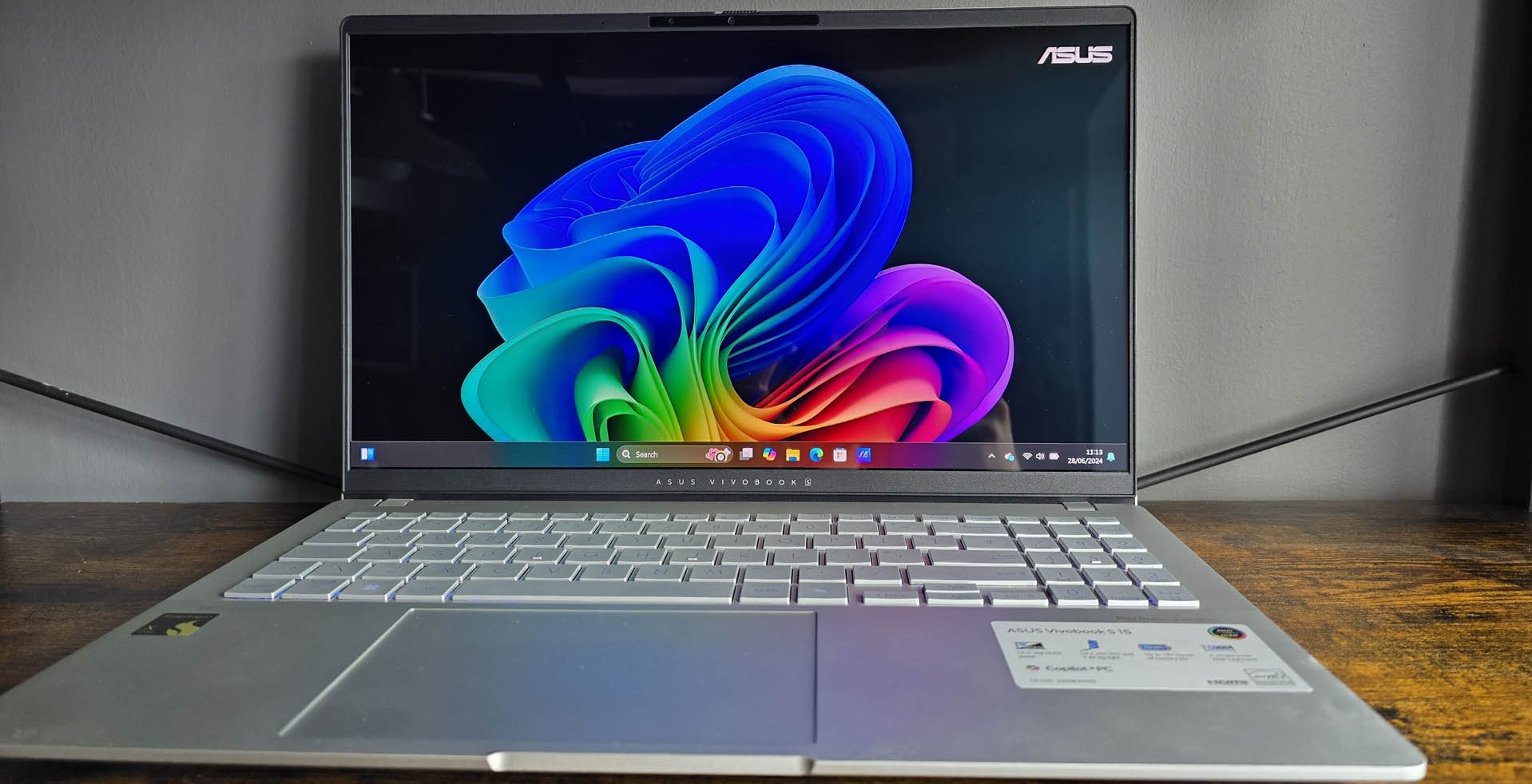
- Clues in Windows 11 previews hint that AI is coming to the taskbar
- This could be in the form of an ‘agentic AI’ companion
- Exactly what its purpose would be is far from clear at this point
Microsoft could be planning to add an AI element to the taskbar in Windows 11, based on clues in preview builds and theorizing from the rumor mill.
27914 LXP changes. As always, some of these mentions already exist in beta/dev”Taskbar Companion” is mentioned in settingsConfirmation for various disk/partition tasks are now mentioned in settingsNumber and Currency formats mentioned under region1/2July 31, 2025
Windows Latest flagged that well-known leaker Xeno posted on X that they’ve found a ‘Taskbar Companion’ feature, which is mentioned in settings (as well as some other bits and pieces, including gaming-related capabilities).
There’s no explicit mention of AI here, but Windows Latest notes that it has previously heard Microsoft was thinking about adding AI actions to the taskbar, and that this could be the mentioned companion(s).
The site says that another regular leaker of Windows-related happenings on X, PhantomOfEarth, has pointed out that references to companions were in a Windows Server preview build last month – and that Windows 11 previews have witnessed a mention of ‘agentic companions’ for the taskbar.
Windows Latest also brings our attention to a string in a recent Windows 11 preview build that’s related to controlling ‘visibility of agentic companions on the taskbar’.
Consider all this together, and the obvious theory – remembering that it is just speculation which needs to be heavily seasoned at this point – is that the taskbar companion functionality is tied in with agentic AI in some way.
That term refers to an AI agent, or helper, that would be fired up via the taskbar.
Analysis: double agent
If you want to get an idea of what might be in store for the taskbar, look no further than the Settings app in Windows 11, which has just got an AI agent (for Copilot+ PCs only). This facilitates an intelligent search to find the options you need to tinker with in Settings, so you can throw out a query such as ‘How do I change the speed that my mouse pointer moves at?’ and the AI will find that option for you – and maybe even offer a recommended setting in some scenarios.
That’s useful, no doubt, but the question is: how might AI functionality such as this work in the taskbar? At this point, your guess is as good as mine, but if you want the latter, it could be tied into managing notifications or the calendar (off the system tray).
Alternatively, as Windows Latest hints, it might power some form of recommendations, like apps you might want to install, or websites you may want to visit, which could be piped to you via the taskbar (Microsoft already has this kind of functionality in the Start menu, of course). I sincerely hope that isn’t the case, but this is a concept Microsoft has toyed with a bit for the taskbar in the past.
The worrying thing for me is that I’m struggling to think of something that could be genuinely useful in this theorized AI-infused taskbar scenario (whereas the agent in Settings has some clear value in terms of pepping up search functionality). The concern, then, is that this would be a case of more AI just for the sake of it.
At any rate, we are still in the very early stages of progress here, with only the vaguest clues in the background of Windows 11 that something might be happening with AI agents in the taskbar. So, it’s far from clear that Microsoft has any such plans – but then again, the addition of more AI in Windows 11 would hardly be a surprise (perhaps for Copilot+ PCs only, as is the case with the Settings agent).