
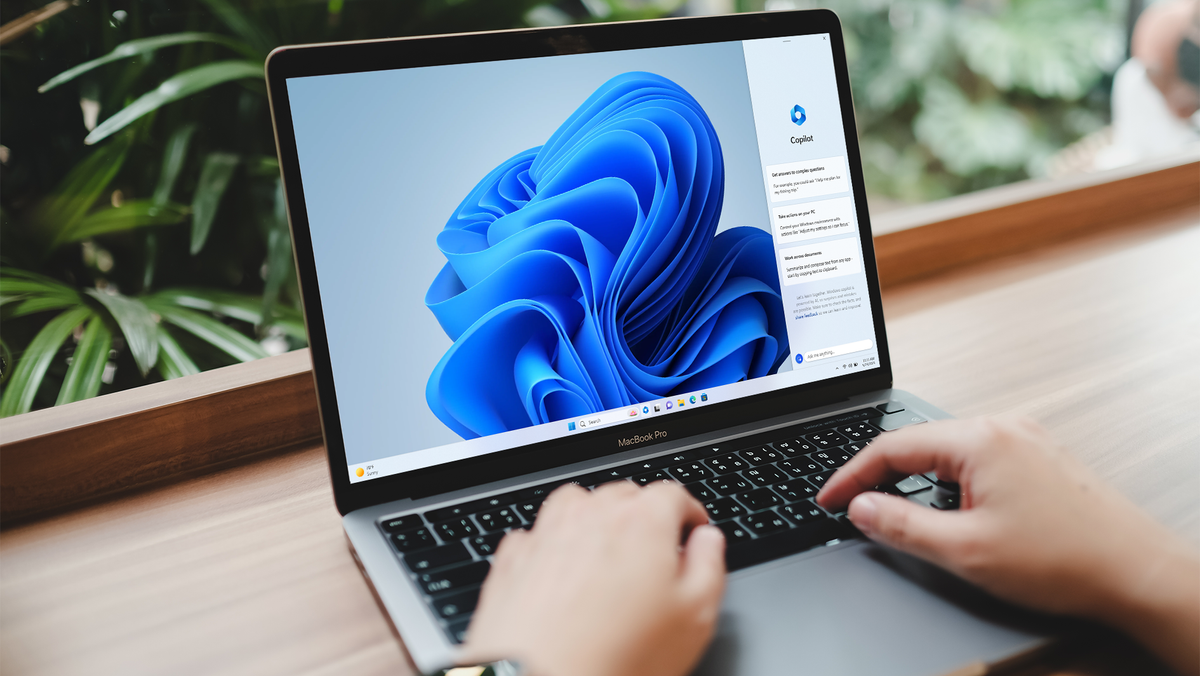
You can now virtually run Windows 11 on the newest Apple Mac devices (those with Apple’s own ARM-based M1, M2, or M3 chips) using Microsoft-authorized methods.
The MacBook maker switched from Intel processors in its devices to its own new line of Apple silicon ARM processors in 2020, and that change meant Mac users who wanted to use Microsoft’s Windows operating systems (or Windows-only apps) were left out in the cold..
For Mac devices with Intel processors, users could turn to the multi-boot utility program, Boot Camp, which enabled users to install and run Windows on their Macs as their chosen operating system (OS) – rather than the default macOS.
Users with Apple silicon processor devices can’t use Boot Camp, as it’s incompatible and would have to turn to other ways of running Windows operating systems, such as emulators and virtualization programs. There are many virtualization programs out there, but now, Microsoft has chimed in on which ones it thinks are best for this.
Microsoft’s blessing
Microsoft published a post on its support website giving its official backing to two methods that can enable a user with Mac devices that have M1, M2, or M3 chips to use Windows 11 on their machine: Windows 365 Cloud PC (a service offered by Microsoft itself) and Parallels.
Microsoft has authorized Parallels’ desktop versions 18 and 19 to run the ARM-specific versions of Windows 11 Pro and Windows 11 Enterprise.
Users can do this by installing Parallels Desktop version 18 or version 19 and create a virtual machine that lives within your existing OS (probably macOS in this case). It explains that the ARM versions of Windows 11 OS do have limitations that impact a user’s ability to run certain hardware, games, and apps (a long-standing issue with Windows 11 on ARM devices, sadly). This workaround does, however, give users access to most Windows 11 features such as hardware acceleration, many multimedia technologies, and more.
Some limitations of Parallels include features that make use of Windows’ nested virtualization capabilities like Windows Subsystem for Android, Windows Subsystem for Linux, Virtualization-Based Security (VBS), and Windows Sandbox (this allows users to run isolated apps without affecting or harming your main OS installation). Parallels Desktop for Mac is also not able to run 32-bit Windows ARM versions, as Microsoft cut off support for 32-bit UWP apps for ARM in January of last year.
Apple also dropped support for 32-bit apps a while ago, with no known workarounds to make them work in modern macOS versions. If you’d like to try the listed features, Neowin recommends Microsoft’s other highlighted service, Windows 365 Cloud PC (which runs in a web browser window, making it much easier to set up), or getting a Windows laptop instead.
The standard edition of Parallels Desktop 19 will cost you $99.99 a year and the Pro version usually costs $119.99 a year, but Amazon is currently offering it with a 25% discount at $89.99 for a 1-year subscription.
Microsoft’s in-house solution, Windows 365 Cloud PC, will enable Mac silicon-chip users to stream a fully-fleshed-out and personalized Windows 11 version. Microsoft describes this as a “software-as-a-service solution for organizations of all sizes,” so this isn’t for individual users (yet).
It offers many of the features Parallels lacks like nested virtualization for testing, support for emulators within the virtual Windows 11 OS, and more. Perhaps we could see Microsoft introduce an individual model akin to the commercial version like it has recently for the premium version of its new flagship digital assistant, Copilot Pro.
Of course, Microsoft wants you to run Windows 11 on a PC meant specifically for it, (it even mentions this in the first line of the support post). However, many users like experimenting and personalizing their computing experiences and I think Microsoft’s willingness to accommodate that with its products fosters a positive impression among users and professionals.
While some Mac and MacBook users may baulk at the idea of running Windows on their devices, there are some useful benefits for people who want to test out Windows 11 programs, or use applications that don’t currently have native Mac support, so it’s good to see Microsoft acknowledge this and offer support and advice, even if it’s through gritted teeth.